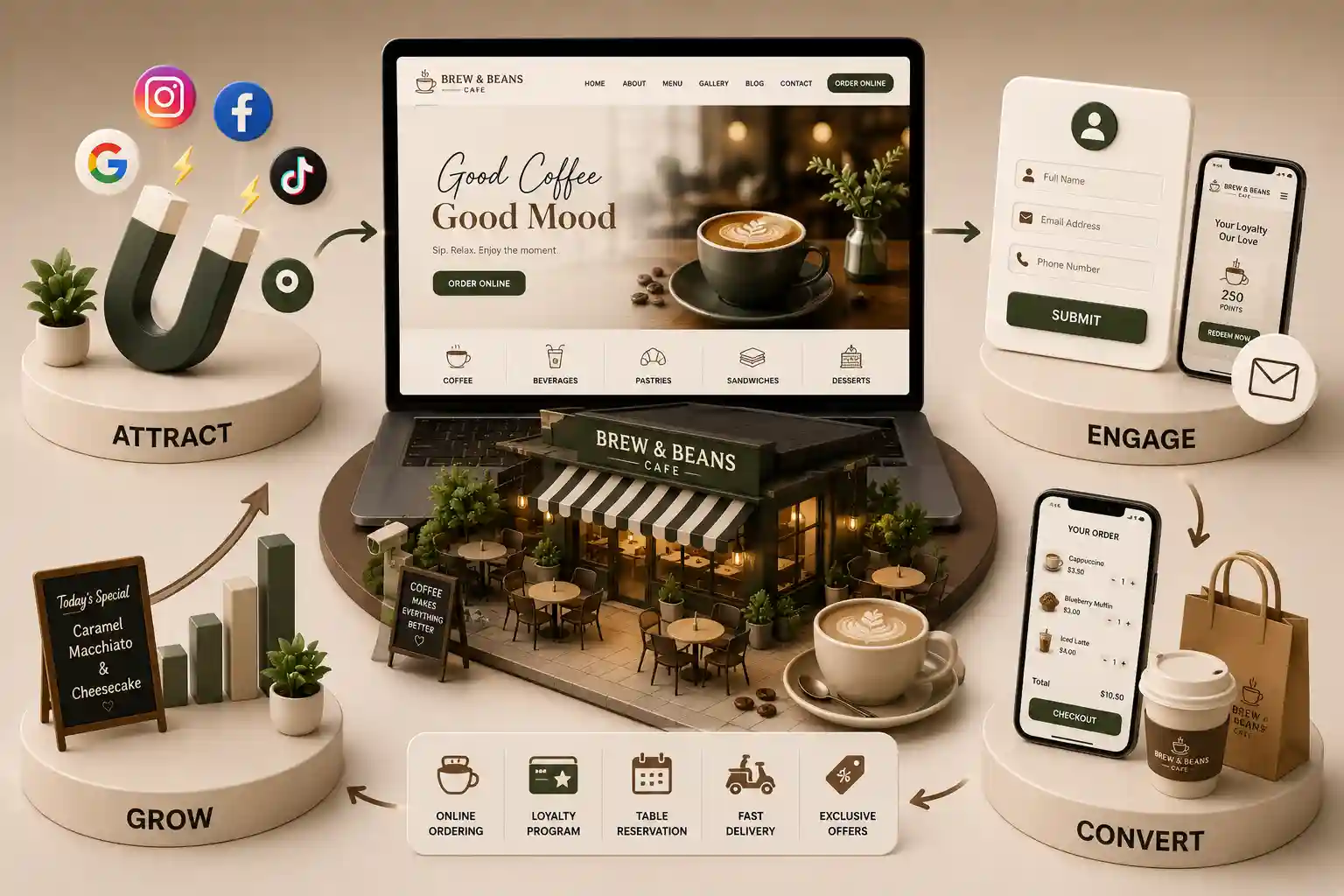
Plan multi-outlet cafe information architecture, menus, domains, redirects, CMS roles, analytics, and staged migration without inventing thin location pages. This guide covers portfolio modelling, brand and outlet hierarchy, menu ownership, domain and URL choices, redirects, canonicals, CMS permissions, analytics, structured data, integrations, migration sequencing, and post-launch reconciliation. It explains how to preserve legitimate distinctions without generating duplicate thin locations or inventing reviews, awards, neighbourhood expertise, customer counts, or operational claims. The framework supports commercial evaluation and technical planning; it does not guarantee rankings, traffic, revenue, rich results, or migration outcomes.
Cafe groups rarely begin with a clean information model. One brand may sit on a separate domain, another on a subfolder, and a recently acquired specialty coffee concept may still depend on a legacy menu host or Instagram highlights. Outlet names can differ between the website, maps listings, WhatsApp profiles, point of sale, analytics, and finance. During a redesign, teams often copy every page into a new visual system and promise to clean inconsistencies later. That approach moves ambiguity into URLs, CMS fields, menu feeds, redirects, reports, and search signals, where correction becomes harder after launch. Cafe brand website architecture migration determines whether a guest can identify the right brand, outlet, menu, service, and ordering route. It also determines whether editors can publish safely and whether operators can measure outcomes consistently. Thin location pages created from a city template add little value and can confuse search engines and guests. Unmapped redirects lose useful destinations. Incorrect canonicals can suppress distinct pages. Shared analytics without stable identifiers can merge unrelated outlets, while fragmented integrations can present conflicting prices, hours, or availability.
This guide covers portfolio modelling, brand and outlet hierarchy, menu ownership, domain and URL choices, redirects, canonicals, CMS permissions, analytics, structured data, integrations, migration sequencing, and post-launch reconciliation. It explains how to preserve legitimate distinctions without generating duplicate thin locations or inventing reviews, awards, neighbourhood expertise, customer counts, or operational claims. The framework supports commercial evaluation and technical planning; it does not guarantee rankings, traffic, revenue, rich results, or migration outcomes.
It is for cafe brand leaders, multi-outlet operators, marketing teams, content owners, SEO specialists, analysts, product managers, designers, developers, agencies, and vendors planning consolidation, replatforming, acquisition integration, or a multi-brand redesign. Use it to expose decisions early, define ownership, compare platform constraints, and build a migration runbook based on verified evidence rather than assumptions.
Model brands, outlets, menus, and shared capabilities
Start with entities, not pages. Define the group, customer-facing brands, concepts, outlets, menus, experiences, and shared capabilities such as gift cards, catering enquiries, pickup, or loyalty. Give every entity a stable internal identifier. Display names can change, but analytics, feeds, ordering, and migration maps need identities that survive rebranding. Document which capabilities are group-shared, brand-specific, or outlet-specific before designing navigation.
Separate shared foundations from brand and outlet variation
Illustrative cafe entity responsibilities
Entity
Guest-facing purpose
Typical owner
Group
Corporate identity and shared policies
Central brand ops
Brand
Concept promise and visual system
Brand marketing
Outlet
Visit, call, collect, or order locally
Outlet manager
Menu
Orderable or browseable offerings
Menu / culinary owner
Service
Pickup, catering, events, enquiry
Operations product
Integration
Orders, POS, maps, messaging
Technology owner
Design multi-outlet information architecture that earns each page
Publish an outlet page only when verified local content helps a guest act: identity, address, access notes, current hours, contact route, outlet-specific menu variation, facilities, and appropriate ordering or enquiry actions. Do not generate thin pages by swapping city names into generic copy. Do not invent reviews, awards, neighbourhood lore, popularity, or performance claims to fill a template. If an outlet is temporarily closed, say so with an owner and review date rather than leaving stale open messages.
Local discovery and consistent NAP signals matter when several cafes share a brand. Pair architecture decisions with the multi-location cafe local SEO guide for India so location pages, maps profiles, and on-site IA reinforce the same real outlets.
Prefer clear brand → outlet → menu or service paths
Avoid duplicate near-identical city landing pages
Keep catering or franchise journeys separate when audiences differ
Surface pickup or WhatsApp ordering only where operations support them
Use breadcrumbs and internal links that match the entity model
Preview long outlet names, missing photos, and unusual hours
Govern menus across domains and platforms
Menus are often the highest-risk migration object because prices, modifiers, allergens, and availability change frequently. Decide whether each brand uses a shared catalogue with outlet overlays, completely separate menus, or a hybrid. Map source fields to the new CMS or commerce model and identify transformations that need human review. Image rights, seasonal specials, and PDF leftovers must not silently become the live source of truth.
Keep ordering boundaries intact during cutover
If website pickup or chat ordering depends on menu identifiers, freeze risky catalogue changes near launch. Reconcile item IDs between old and new systems. A successful page render is incomplete if the order ticket still references retired SKUs. Train editors on which fields require approval before publication.
For day-to-day menu quality on the destination site, use the cafe menu website checklist for India so migration does not recreate image-only or ungoverned catalogues.
Choose domains carefully and map redirects deliberately
Compare brand independence, audience expectations, ownership, technical governance, content operations, localisation, authentication, consent, analytics, search history, and migration cost before forcing every concept onto one hostname. Separate domains can preserve distinct systems; consolidated paths can simplify shared capabilities. Neither guarantees stronger search or business results. Document why the chosen structure fits each brand.
Follow current Google Search Central guidance on redirects when planning permanent moves. Inventory every legacy URL, identify its purpose and evidence, and map it to the closest relevant preferred destination. Avoid redirect chains, loops, mixed protocols, and blanket homepage destinations for important menu or outlet pages.
Export a complete URL inventory with status codes and traffic notes you can verify
Classify retain, improve, consolidate, redirect, archive, or remove
Map query or campaign handling only where justified
Align internal links, canonicals, and sitemaps with preferred URLs
Test server responses before and after cutover
Retain the approved mapping as a migration record
Planning a multi-brand cafe website migration?
Map entities, URLs, CMS governance, menu sources, analytics, integrations, redirects, and staged acceptance criteria before moving production traffic.
Define CMS roles, approvals, and emergency controls
Scope access by responsibility and entity. An outlet editor may update approved facts for assigned venues; a brand editor can manage that brand; specialised approvers govern sensitive menu or policy fields; and administrators manage shared platform configuration. Separate drafting, approval, publication, role administration, domains, redirects, analytics, and emergency actions where risk warrants it. Provide preview, audit history, scheduled publishing, rollback, and periodic access review, including prompt removal when staff or vendors change.
Illustrative CMS permission boundaries
Role
Typical scope
Protected action
Outlet editor
Assigned venue content
Cannot publish sensitive claims
Brand editor
Brand and its outlets
Cannot alter group configuration
Menu approver
Governed menu fields
Approval recorded separately
Analyst
Reporting configuration view
Cannot publish content
Administrator
Platform and roles
Privileged actions audited
Emergency controls should pause ordering widgets, hide closed outlets, or revert a bad menu publish without waiting for a full release cycle. Document who can trigger those controls and how guests are informed.
Standardise analytics and integration contracts
Create a measurement plan that starts with decisions, not every click. Define brand, outlet, service, campaign, and transaction identifiers, events, properties, consent conditions, owners, and retention. Keep identifiers separate from display labels so renaming does not break historical comparison. Document tracking changes instead of presenting discontinuities as performance. Where consent tools, cookie banners, or tag managers change during migration, record the break explicitly so teams do not treat a measurement shift as an operational result.
Define integration boundaries and failure behaviour
Inventory ordering, menus, point of sale, gift cards, loyalty, maps, messaging, email, CRM, consent, analytics, and customer support. For each connection, record owner, direction, identifier, authentication, frequency, timeout, retry, duplicate prevention, monitoring, data classification, fallback, and vendor contact. A successful HTTP response is incomplete if the wrong outlet receives the order or an old menu remains cached.
Build a URL and content inventory before changing production. Classify each item with an owner. Map source fields to the new model and identify transformations needing human review. Freeze high-risk changes near cutover, back up approved configuration, and document rollback criteria. Test a representative portfolio—not only the flagship cafe—including one-location concepts, multi-outlet brands, unusual menus, temporarily closed venues, long names, missing optional media, redirects, and integration failures. After launch, repeat critical checks against production and keep accountable owners available for the first operating days.
Approve the entity, content, URL, redirect, and ownership inventories
Dry-run content transformations and review exceptions manually
Crawl staging for links, canonicals, indexability, and duplicate templates
Complete menu, pickup, contact, and accessibility journeys
Reconcile integrations and analytics by stable brand and outlet IDs
Launch in controlled stages with named rollback decisions
Monitor production, repair root causes, and retain migration records
It is the planned move of a cafe portfolio's information model, content, URLs, CMS permissions, menus, analytics, and integrations into a coherent destination architecture. Good work starts with brands, outlets, and capabilities, then maps pages and redirects. It is broader than a visual redesign and should preserve verified distinctions without inventing thin location pages or unverifiable claims.
Not automatically. Compare brand independence, audience expectations, ownership, technical governance, content operations, localisation, authentication, consent, analytics, search history, and migration cost. Separate domains can preserve distinct systems; consolidated paths can simplify shared capabilities. Neither guarantees stronger search or business results. Document why the chosen structure fits each brand and plan redirects around that decision.
It should help a guest understand and use a genuine venue with verified identity, address, access context, current hours, contact route, outlet-specific menu or variation, facilities, and appropriate ordering or enquiry actions. Add approved practical details that genuinely differ. Do not generate thin pages by swapping city names into generic copy, and do not invent reviews, awards, local history, popularity, or performance proof.
Inventory every legacy URL, identify its purpose and evidence, and map it to the closest relevant preferred destination. Preserve useful query or campaign handling only where justified. Avoid redirect chains, loops, mixed protocols, and blanket homepage destinations. If content has no legitimate replacement, return an honest removal response. Test server responses, internal links, canonicals, sitemaps, and important external entry routes before and after cutover.
Use a canonical to identify the preferred version among duplicate or near-duplicate accessible URLs, such as controlled parameter or host variants. It is not a remedy for thin outlet pages or an unclear content model. Distinct useful venue pages should generally identify their own preferred URLs. Keep canonical signals consistent with redirects, internal links, sitemaps, and indexability, and validate rendered tags.
Scope access by responsibility and entity. An outlet editor may update approved facts for assigned venues; a brand editor can manage that brand; specialised approvers govern sensitive menu or policy fields; and administrators manage shared platform configuration. Separate drafting, approval, publication, privileged actions, and emergency controls where risk warrants it. Provide preview, audit history, rollback, and periodic access review.
Define stable group, brand, outlet, service, and transaction identifiers before changing labels or URLs. Document events, properties, consent conditions, exclusions, owners, and historical discontinuities. Test the data layer through menu interactions, pickup or enquiry journeys, contact, and cross-domain paths. Run old and new reporting in parallel where appropriate, reconcile representative totals, and annotate cutover without claiming improvement from tracking changes alone.
Decide shared versus outlet-specific catalogues, map fields with human review for exceptions, preserve stable item identifiers where ordering depends on them, and freeze high-risk changes near cutover. Validate prices, modifiers, availability, allergen statements the business publishes, and image rights. Confirm that kitchen or commerce systems receive the new IDs correctly. Do not treat a PDF export as the permanent source of truth.
Approve entity, URL, content, redirect, data, role, analytics, and integration inventories; dry-run transformations; manually review exceptions; and test a representative portfolio rather than one ideal outlet. Crawl staging, validate guest journeys and accessibility, reconcile source and destination records, test failures, and define rollback criteria. Launch in controlled stages where feasible and keep accountable owners available. No migration can guarantee unchanged rankings, traffic, or orders.
Design a cafe WhatsApp ordering workflow from enquiry to confirmation with clear consent, menu truth, payment boundaries, staff handoffs, and safe fallbacks.
Define cafe pickup and preorder requirements for slots, prep times, kitchen capacity, order confirmation, menu truth, and clear boundaries versus restaurant reservations.
Use this cafe menu website checklist India to plan readable digital menus, governed specials, careful allergen presentation, accessibility, and mobile usability.
Warm, conversion-focused cafe websites that highlight your menu, vibe, and drive more foot traffic and orders. Available for cafes and coffee shops across major Indian cities. Every page is planned for stronger search visibility, faster performance, clearer customer journeys, and measurable enquiries.
My Perfect Solutions helps brokers, clinics, restaurants, and growing brands launch fast, SEO-ready websites that turn search traffic into qualified enquiries across India.