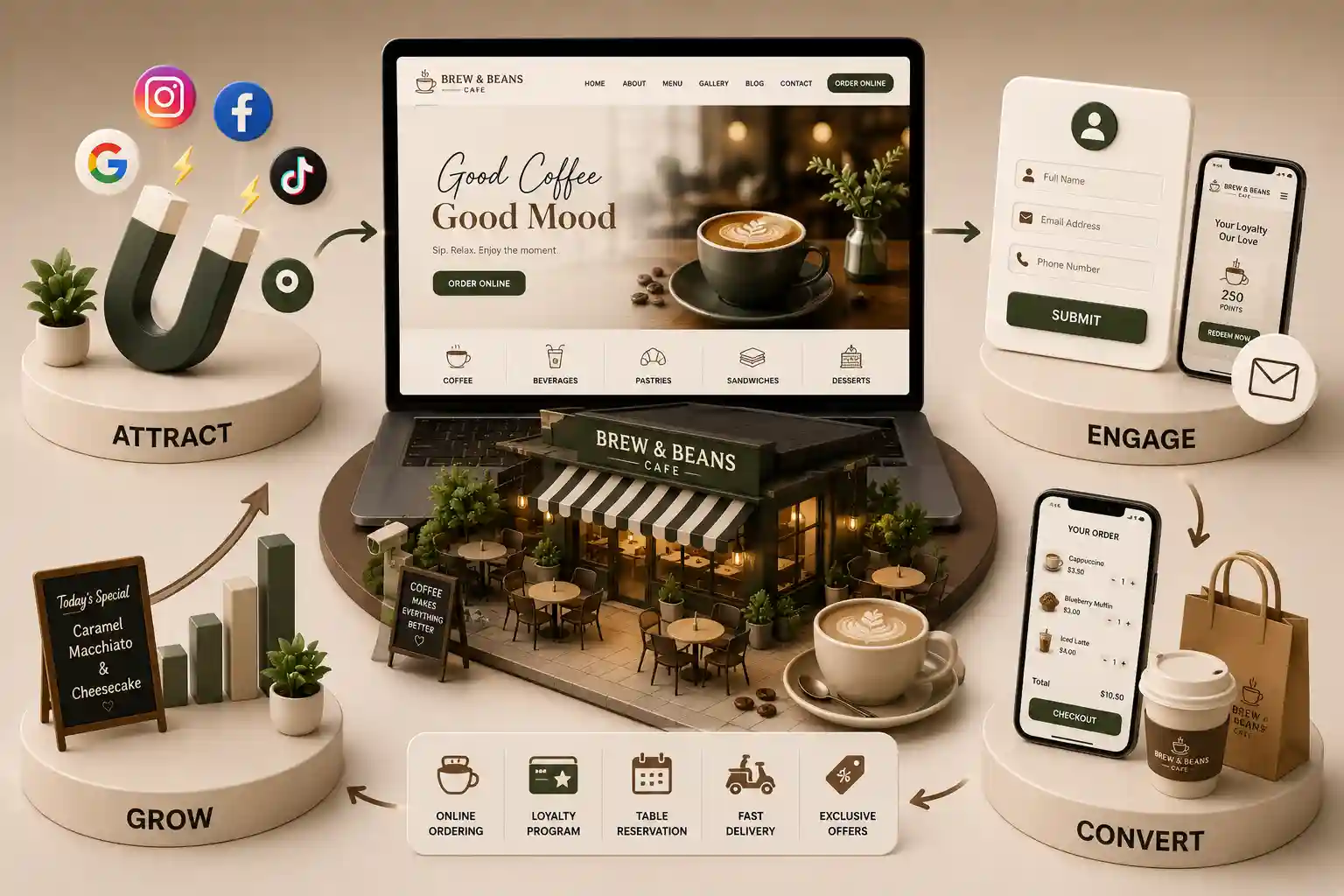
Design a cafe WhatsApp ordering workflow from enquiry to confirmation with clear consent, menu truth, payment boundaries, staff handoffs, and safe fallbacks. This commercial-investigation guide maps enquiry through clarification, stock check, customer details, payment, confirmation, fulfilment handoff, and support. It explains consent boundaries, menu truth, payment verification, fallback design, and what to compare across manual, linked, and integrated models. Platform policies, privacy law, consumer rules, tax, and payment obligations can change; confirm current requirements with qualified advisers and review official policy sources for the tools you use.
Cafes in India often start taking orders on WhatsApp because guests already ask about milk options, pastry availability, office catering boxes, and pickup timing there. Early volume can feel manageable until language drifts. One barista treats keep this aside as a firm hold; another treats it as a casual enquiry. Menu photos lose outlet context. Payment screenshots are hard to reconcile. Two staff members can promise the last croissant. When the website menu, counter board, and chat thread disagree, the guest experiences a brand problem even if each person acted in good faith. WhatsApp can support useful assisted ordering for cafes, but chat alone is not a commerce system. A dependable WhatsApp ordering workflow for cafes in India needs explicit statuses, consent choices, outlet and menu truth, a safe payment boundary, confirmation criteria, staff ownership, policy access, privacy-aware records, and recovery when a person or integration is unavailable. The goal is not to automate every conversation. It is to keep the public promise aligned with what the cafe can prepare and collect. This guide is commercial and operational; it is not legal advice.
This commercial-investigation guide maps enquiry through clarification, stock check, customer details, payment, confirmation, fulfilment handoff, and support. It explains consent boundaries, menu truth, payment verification, fallback design, and what to compare across manual, linked, and integrated models. Platform policies, privacy law, consumer rules, tax, and payment obligations can change; confirm current requirements with qualified advisers and review official policy sources for the tools you use.
It is written for cafe owners, multi-outlet operators, counter and kitchen leads, customer-support managers, marketers, agencies, and developers deciding whether WhatsApp should remain an enquiry channel or connect more closely with website menus, pickup workflows, and order systems. Use it to write a requirements brief and pilot plan without inventing universal messaging-policy rules.
Map enquiry through confirmation without ambiguity
Define the journey before choosing inbox software or automation. A guest may arrive from a menu page, Instagram post, QR code on the counter, delivery of a previous order, or a saved business contact. Preserve enough context to identify the outlet, item, modifiers, quantity, and intended pickup or delivery mode if delivery is even offered. Then separate clarification, availability check, customer decision, optional short hold, payment initiation, payment verification, order creation, and confirmation.
Use explicit operational statuses
Suggested cafe chat order statuses
Status
Meaning
Guest-safe language
Enquiry
Question only; nothing reserved
We are checking availability
Clarifying
Waiting on item or outlet details
Need one detail to continue
Hold
Temporary reserve with expiry if supported
Held until a stated time
Awaiting payment
Order not accepted yet
Payment link sent
Payment pending
Provider result not final
Payment still processing
Confirmed
Accepted in the order authority
Order confirmed with reference
Ready / fulfilled
Prepared or collected per workflow
Ready for pickup / completed
Treat consent and messaging purpose as specific choices
An order enquiry does not automatically authorise every future promotional message. Separate transactional service communication needed to complete or support an order from optional marketing about new drinks, events, or offers. Record relevant choices, source, and time where the business maintains preference tools. Make sure connected CRM, email, and inbox products honour those choices consistently. Staff scripts should not invent permissions to fill a campaign list.
Review the current WhatsApp Business messaging policy for platform expectations, and obtain qualified advice for privacy, consumer, and sector obligations that apply to your cafe, customers, and tooling. Policies and laws can change; this article does not interpret them for your facts.
Explain why a contact number is requested at each stage
Avoid collecting identity documents in chat without a reviewed need
Keep payment secrets and authentication codes out of conversations
Limit who can export chat histories and order notes
Provide a supported route to update preferences or stop marketing
Train staff on what may be said when consent is unclear
Keep menu and stock truth aligned with the outlet
Chat ordering fails when staff sell from memory, a stale PDF, or a photo that belongs to another branch. Assign one menu and availability authority for the outlet accepting the order. Recheck the exact item and modifiers before a hold or acceptance. If the cafe uses a website menu, staff should verify against that governed source rather than improvising prices. Distinguish available when checked, held until a stated time, payment pending, and confirmed.
Handle uncertainty openly
During a rush, pastry counts and milk alternatives change quickly. Train staff to pause certainty when systems lag. Offer a short verified hold only if operations can honour it across counter and chat. Never silently substitute oat milk, bread, or toppings. If a change is material, obtain a clear guest decision and update totals before payment or confirmation.
Governed HTML menus reduce repetitive clarification before chat begins. Use the cafe menu website checklist for India to keep categories, modifiers, allergens, and availability structured for both the site and assisted ordering.
Set a clear payment and confirmation boundary
Use payment methods and links approved by the cafe and its payment service provider. Keep card credentials, passwords, one-time codes, and other authentication secrets out of chat. The message can direct a guest into a provider-hosted or commerce checkout flow, but staff should not ask for sensitive credentials to complete payment on the guest's behalf. A screenshot is not the same as a verified payment event.
Reconcile the provider reference, expected amount, currency, order or hold reference, and final status using an authorised system. Account for pending, failed, expired, duplicated, partially paid, and reversed states. Finance or operations need a route when values do not match. Send one definitive confirmation only when acceptance criteria are met, including cafe identity, order reference, item summary, verified payment context, pickup or fulfilment details, policy access, and support route.
When the cafe also offers structured website pickup, align chat statuses with the cafe pickup preorder workflow requirements so guests do not receive contradictory ready times or acceptance language across channels.
Need to map cafe WhatsApp ordering before integration?
Define statuses, consent, menu truth, payment events, staff handoffs, records, and recovery before choosing inbox or automation software.
Manage handoffs, records, and staff ownership
A shared inbox improves visibility only when assignment rules exist. Define queue ownership, hours, response targets, reassignment, escalation, absence cover, and closure. When a conversation moves from menu advice to stock, payment, kitchen, or complaint handling, pass the relevant summary and references without exposing unrelated history. Collect only information needed for the supported stage and decide what must enter the order system versus what can remain transient.
Name an owner for unassigned and overdue conversations
Require outlet and item references before acceptance
Keep exception queues for payment and stock conflicts
Protect exported chats, device access, and offboarding
Align kitchen tickets with the chat confirmation reference
Close loops when an order is cancelled or remade
Compare manual, linked, and integrated models
A small cafe can run a manual workflow when volume, staffing, and menu complexity are modest. Use approved templates, an order notebook or system, one availability authority, assignment rules, and exception review. Manual does not mean undocumented. Its risks include missed updates, duplicate work, inconsistent language, and limited visibility across outlets.
A linked model sends guests between the website menu, WhatsApp, checkout, and policy pages using stable references. It can preserve flexible advice while moving payment and acceptance into systems designed for those tasks. An integrated model can synchronise conversation context, catalogue, orders, and approved message events, but it adds field mapping, permissions, vendor dependencies, monitoring, retries, and support responsibilities. Choose the simplest model that supports the documented journey. Automation can help with stable classification, context, notifications, and routing, while human review should remain for advice, exceptions, disputed payment, or unusual fulfilment. Vendor demonstrations should include failures and handoffs, not only a smooth purchase path.
If brand architecture and content ownership are also in flux, review the cafe brand website architecture migration guide so messaging workflows inherit stable outlet identities rather than temporary spreadsheet names.
Pilot, measure, and recover safely
Pilot with a limited menu range, trained staff, representative payment and pickup paths, and visible support ownership. Rehearse ordinary and exception scenarios before expanding. Keep a manual fallback that explains whether ordering is paused, converted to a clearly labelled request, or moved to another supported channel. Never let an outage silently turn an unverified request into a confirmed order.
Unassigned and overdue conversations by operational status
Enquiries missing outlet or item references
Stock conflicts and expired holds requiring correction
Orders confirmed in chat but absent from the authority system
Consent or preference updates that failed to reach connected tools
Fallback cases, recovery time, and repeated root causes
Read cafe chat metrics cautiously—faster replies may mean more baristas online, not better drink advice or fewer wrong orders. Pair dashboard counts with spot checks of threads, kitchen feedback, recurring guest complaints, and payment exception logs. Do not treat response-time averages as proof that pickup quality improved. Exclude message bodies, phone numbers, and payment artefacts from wide analytics extracts.
A cafe can use WhatsApp within a documented ordering workflow when its platform use, consent, privacy, payment, consumer, tax, recordkeeping, and other applicable requirements are reviewed appropriately. Chat should not be the only order authority. Define stock checks, accepted status, payment verification, order creation, confirmation, fulfilment, support, and fallback. This is not legal advice; confirm obligations with qualified advisers.
The cafe should define one explicit acceptance event, usually an accepted order record in its authoritative commerce or order system after required menu, outlet, customer, payment, and policy conditions are satisfied. A positive chat message, hold, payment screenshot, or submitted form may still be pending. Guest wording and staff status should match the actual event.
Use a stable outlet and item reference from the governed menu source. A prefilled message can include readable product context, but the guest should review it before sending. Avoid hidden personal data and time-sensitive promises in the URL. Staff should verify active modifiers, quantity, price, and availability rather than relying on a screenshot alone.
Do not assume that an order enquiry creates every promotional permission. Separate transactional service communication from optional marketing choices according to current platform rules and the cafe's reviewed requirements. Record relevant choices, source, and time; provide supported preference and opt-out handling; and ensure connected tools and staff apply those updates consistently.
Guests should not be asked to send card credentials, passwords, one-time codes, or other authentication secrets in chat. Use the cafe's and payment provider's approved payment flow. Verify payment through authorised provider records, not a screenshot alone, and reconcile amount, currency, reference, status, and order before sending final confirmation.
Use one availability authority across website, counter, and chat. Recheck the exact item when a documented hold or order acceptance occurs. If holds are supported, record the unit, owner, reference, expiry, and release where all channels can respect them. During a synchronisation failure, pause certainty and use the approved fallback.
Include cafe identity, accurate order status, order reference, item and modifiers, quantity, agreed amount, verified payment context, pickup or fulfilment information, relevant policy access, and a supported contact route. Keep sensitive payment credentials out. The message must agree with the authoritative order record and clearly say pending if further approval remains.
A shared inbox can improve assignment and visibility, but it does not replace menu, payment, order, consent, policy, and fulfilment controls. Evaluate status fields, permissions, audit history, integrations, export, retention, alerts, failure handling, and vendor support. A disciplined manual or linked workflow may fit before deeper integration is justified.
Define whether the cafe pauses orders, accepts clearly labelled requests, uses another supported channel, or asks staff to call back. Preserve references, prevent duplicate processing, alert an owner, reconcile queued events, and tell guests the true status. Test outage, delayed messages, duplicate callbacks, absent staff, stale menu data, and payment-without-order scenarios before launch.
Plan multi-outlet cafe information architecture, menus, domains, redirects, CMS roles, analytics, and staged migration without inventing thin location pages.
Define cafe pickup and preorder requirements for slots, prep times, kitchen capacity, order confirmation, menu truth, and clear boundaries versus restaurant reservations.
Use this cafe menu website checklist India to plan readable digital menus, governed specials, careful allergen presentation, accessibility, and mobile usability.
Warm, conversion-focused cafe websites that highlight your menu, vibe, and drive more foot traffic and orders. Available for cafes and coffee shops across major Indian cities. Every page is planned for stronger search visibility, faster performance, clearer customer journeys, and measurable enquiries.
My Perfect Solutions helps brokers, clinics, restaurants, and growing brands launch fast, SEO-ready websites that turn search traffic into qualified enquiries across India.