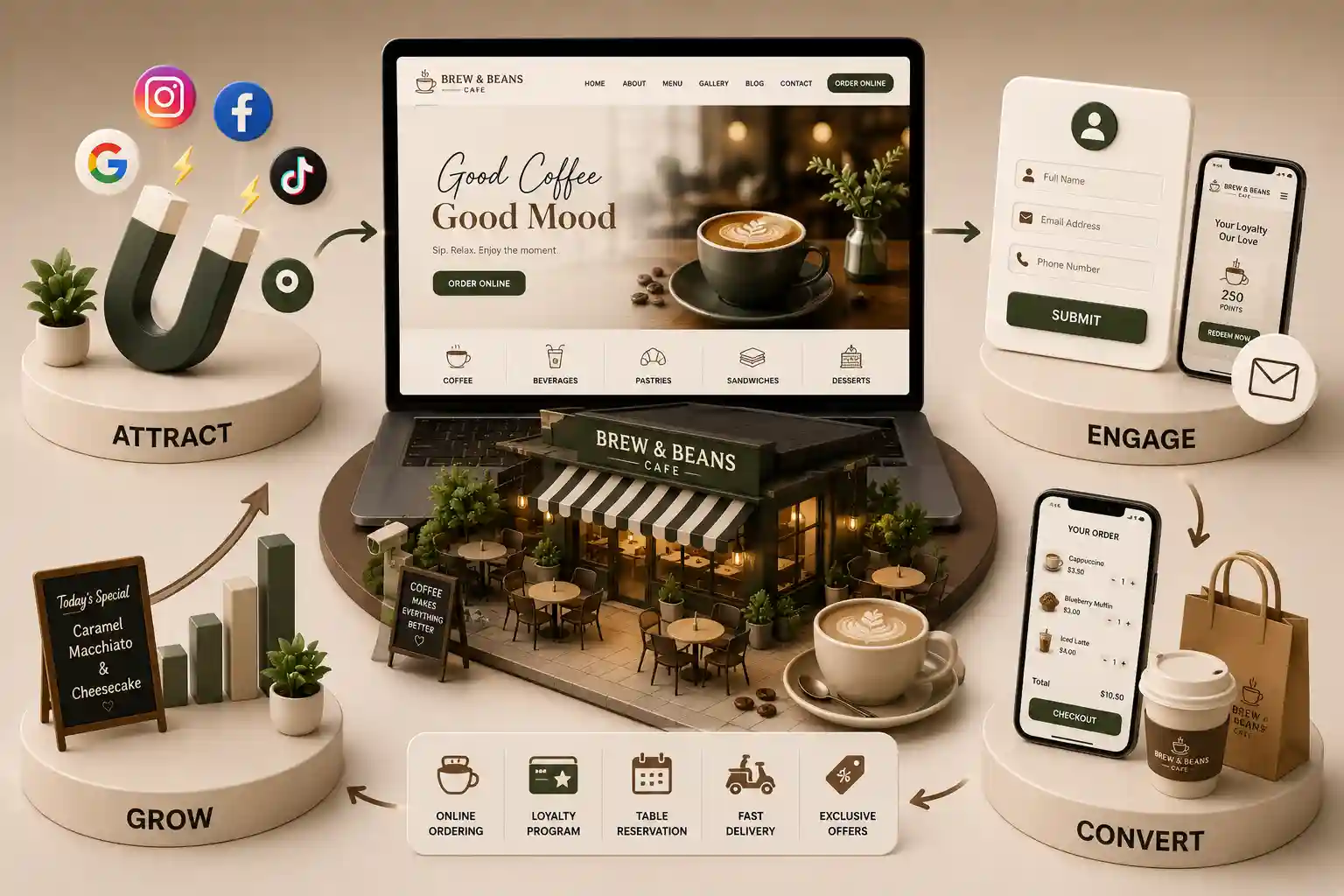
Define cafe pickup and preorder requirements for slots, prep times, kitchen capacity, order confirmation, menu truth, and clear boundaries versus restaurant reservations. This commercial-investigation guide explains how to document pickup windows, prep-time rules, kitchen capacity, order states, confirmation content, menu revalidation, accessibility, payment boundaries, staff ownership, and testing. It contrasts pickup preorder with dine-in reservation workflows so requirements briefs stay accurate. It is not food-safety, tax, licensing, privacy, payment, accessibility, or legal advice. Confirm obligations and wording with authorised specialists for the cafe entity, outlets, menu, and technology stack.
A cafe can publish an online menu and still fail at pickup because the website treats collection like a calendar booking. Guests choose a convenient time, the kitchen receives a burst of orders that share the same prep resources, and the counter becomes a queue of people asking whether their drink is ready. Prep times differ by item and load. Payment may succeed while the kitchen never accepts the ticket. A polite confirmation email can claim a ready time the staff never promised. When the same site also offers table booking language, guests may assume a seat is held when only a takeaway bag was intended. Cafe pickup preorder workflow requirements sit between menu commerce and kitchen operations. Slots, throttling, item lead times, confirmation language, payment reconciliation, and counter handoff determine whether online orders reduce friction or create disputes. A dependable flow protects guest expectations and staff pacing without inventing throughput guarantees. It also clarifies what the product is not: a full restaurant reservation system with party size, table combinations, deposits, and seating inventory. Teams comparing platforms need evidence for production rules, not only a polished mobile checkout demo.
This commercial-investigation guide explains how to document pickup windows, prep-time rules, kitchen capacity, order states, confirmation content, menu revalidation, accessibility, payment boundaries, staff ownership, and testing. It contrasts pickup preorder with dine-in reservation workflows so requirements briefs stay accurate. It is not food-safety, tax, licensing, privacy, payment, accessibility, or legal advice. Confirm obligations and wording with authorised specialists for the cafe entity, outlets, menu, and technology stack.
It is written for cafe owners, multi-outlet operators, kitchen managers, counter leads, product owners, marketers, agencies, and developers evaluating a new pickup channel or replacing fragile chat-and-spreadsheet processes. Use it to write acceptance criteria, structure vendor questions, and design pilots that include rush periods, sold-out modifiers, delayed callbacks, and no-shows rather than only happy-path screenshots.
Define pickup preorder separately from restaurant reservations
Start by naming the product guests are buying: a prepared order ready for collection at a stated window, not a seated dining experience. Pickup inventory is kitchen capacity, station load, packaging readiness, and counter throughput. Reservation inventory is tables, combinable seating, party size, turn time, and floor pacing. Mixing those models creates false promises. A guest who books a two-person table expects a seat; a guest who selects a 5:30 pm pickup expects a bag and a clear name call. If the cafe also offers reservations, keep separate journeys, labels, policies, and staff views.
Write boundary language guests and staff can share
Say pickup or collection when no seat is held
Avoid reserve a table wording on takeaway flows
State whether the guest may wait indoors while collecting
Explain whether late arrival still keeps the order
Separate dine-in booking support from order support contacts
Train staff not to reinterpret pickup as an implied reservation
Model pickup slots, prep times, and kitchen capacity
Expose only windows the kitchen can honour under documented rules. A slot is not merely an empty clock interval. It should reflect service periods, station capacity, item-level lead times, packaging steps, and any throttling that protects quality. Some cafes need a minimum lead time for all orders; others need longer buffers for plated brunch items, custom drinks, or large boxed orders. Overnight or next-day preorders may use different rules from same-day rush windows.
Pickup capacity inputs to document
Input
Why it matters
Owner
Service period
Opening, closing, and pause rules differ
Operations
Station capacity
Drinks, food, and bakery compete for time
Kitchen lead
Item lead time
Some SKUs cannot meet short windows
Menu owner
Order throttle
Limits concurrent tickets per interval
Ops manager
Buffer policy
Protects quality when load spikes
Cafe manager
Override rules
Manager exceptions need an audit trail
Shift lead
Recalculate timing when the cart changes
If a guest adds a slow item after choosing a near-term slot, revalidate whether that window remains honest. Present the change before payment where practical. Do not silently keep an impossible ready time. When capacity fills, offer later genuine windows, a waitlist only if the cafe supports it with explicit non-confirmation language, or a pause on online pickup. Temporary unavailability should look different from permanently unsupported ordering.
Menu structure and modifier clarity determine whether capacity rules can be applied item by item. Use the cafe menu website checklist for India to keep categories, prices, allergens, and availability governed before connecting pickup commerce.
Design order confirmation and lifecycle states
Define a state machine before choosing notification templates. Useful states often include draft, awaiting payment, payment pending, paid awaiting kitchen acceptance, accepted, rejected, preparing, ready for pickup, collected, cancelled, refund pending, and refunded. Names should match the cafe's systems. A payment success screen is not kitchen acceptance. A ready message should fire only when the counter can actually hand over the order. Customer messages, kitchen tickets, support tools, and finance records must interpret each state consistently.
Prevent duplicate tickets and impatient retries
Validate outlet, slot, menu, totals, and lead-time rules
Create a durable checkout or order reference
Initiate payment through an approved provider
Reconcile provider status with the commerce record
Send the ticket to the kitchen exactly once
Confirm acceptance or present a supported recovery path
Expose the same state to counter, support, and finance
Accessible labels, errors, and focus management matter on pickup forms. Review the W3C WAI forms tutorial when specifying field structure, instructions, and validation behaviour for slots, contact details, and cart review.
Govern menu truth through acceptance
Pickup fails when the website sells an item the assigned outlet cannot prepare in the selected window. Treat the menu as governed data: stable identifiers, prices, taxes where applicable, modifiers, availability, service periods, allergen statements the business chooses or is required to publish, and preparation eligibility. Revalidate the cart before payment and again at kitchen acceptance when needed. Never substitute milk, bread, or toppings silently. If a change is material, obtain a clear guest decision and recalculate totals.
Menu and pickup conflict handling
Conflict
Guest message
System response
Sold out item
Item unavailable at this outlet
Remove or offer approved alternatives
Modifier gone
Choice no longer available
Require a new selection
Lead time too short
Needs a later pickup window
Propose valid slots
Outlet closed
Pickup paused for stated reason
Preserve safe cart where policy allows
Price changed
Totals updated before payment
Show difference and continue only with consent
Multi-outlet cafes must bind the order to a specific collection point. Hours, stock, and prep capacity can differ by branch. Do not let a guest pay for an item at one outlet and collect from another unless that transfer is an explicit, supported workflow with matching kitchen routing.
When chat remains a fallback channel, keep the same truth rules. The WhatsApp ordering workflow for cafes in India explains enquiry-to-confirmation statuses, consent, and payment boundaries that should not contradict the website pickup flow.
Planning cafe pickup and preorder on your website?
Map slots, prep times, capacity, confirmation states, menu ownership, counter handoff, and outage behaviour before choosing a platform.
Design payment boundaries and counter handoff
Use a payment provider suited to the business and keep sensitive credential entry in the approved integration. Store references and safe statuses rather than full card details. Reconcile pending, failed, expired, duplicated, and successful outcomes before telling a guest the order is confirmed. A browser redirect alone is incomplete evidence. When payment succeeds and the kitchen rejects the ticket, place the case in an owned exception queue with a shared reference rather than asking the guest to pay again.
Equip the collection desk with the same truth
Show guest name or code, order reference, and pickup window
Highlight allergens or special notes staff are authorised to see
Mark ready only when packaging and checks are complete
Record collected time and handler where operations require it
Support no-show, late arrival, and partial remake policies consistently
Escalate payment or item disputes without rewriting the order history
Compare build, buy, and integration approaches
A lightweight form that emails the kitchen may work only while volume and menu complexity stay low. A linked model can keep browsing on the cafe website while checkout or kitchen display runs in specialised tools. A deeper integration can synchronise menus, slots, tickets, and statuses, but it adds field mapping, permissions, monitoring, retries, and vendor dependency. Choose the simplest architecture that supports documented states and failure recovery. Vendor demos should include sold-out modifiers, full slots, delayed payment callbacks, and printer or display outages.
Budget conversations should include menu governance, ongoing content work, payment fees, staff training, support coverage, and change management—not only the first build invoice. Avoid universal savings claims. Direct pickup can improve control of presentation and fulfilment communication, yet it does not automatically increase order volume or margin.
For commercial scoping beyond workflow design, review the cafe website development cost guide for India alongside this requirements brief so proposals are compared on the same operational scope.
Test, pilot, and rehearse fallbacks
Pilot with representative outlets, peak windows, slow items, large carts, keyboard and screen-reader journeys, narrow mobile screens, and slow networks. Trace one order through every normal and exception state. Confirm that guest messaging, kitchen ticket, counter screen, payment record, and analytics event agree. Measure operational outcomes such as unacknowledged tickets and remakes without inventing causal success rates.
Approve slot, capacity, lead-time, and override documentation
Race simultaneous checkouts against the same window
Force sold-out items and invalid near-term slots
Interrupt payment callbacks and kitchen acceptance
Rehearse ready messaging only after actual readiness
Practice no-show, late pickup, and refund exception queues
Define whether online pickup pauses, queues requests, or offers another genuine channel during outages
They are the operational and product rules that make online collection reliable: outlet binding, honest slots, prep-time and capacity controls, menu revalidation, durable order states, payment reconciliation, confirmation content, counter handoff, accessibility, support ownership, and fallbacks. Exact priorities depend on menu complexity and volume. Document real rush scenarios before comparing vendors, and require demonstrations of failure recovery rather than only a smooth checkout.
Generate windows from approved service periods, station capacity, item lead times, throttling, buffers, and manager blocks. Do not expose empty clock intervals that the kitchen cannot serve. Recalculate when the cart changes. There is no universal slot length for every cafe. Test the model against known busy periods and slow items before publishing availability.
Only after a durable order record exists, required payment outcomes are reconciled, and kitchen acceptance rules are satisfied according to the cafe's design. The confirmation should include a stable reference, outlet, item summary, pickup window, and support route. If acceptance or payment is uncertain, show a pending state and reconcile it. Do not encourage duplicate submission based on a browser event alone.
Pickup allocates kitchen and counter capacity for a takeaway order. A restaurant reservation allocates seating inventory for a party. Policies, widgets, staff tools, and guest language should remain separate. Reusing a reservation calendar for drinks and food production usually creates misleading availability and support confusion. If both products exist, keep journeys and confirmations distinct.
Revalidate availability before payment and at acceptance where needed. Tell the guest clearly, remove or replace only with approved alternatives and consent, and recalculate totals. Never substitute silently. If no safe alternative exists in the selected window, offer a later valid slot or cancel with the approved refund or release workflow.
Promise only the precision the cafe can operationally support. Many teams use windows rather than exact minutes, especially during peak load. Ready notifications should fire when packaging is complete, not when a timer expires. Over-precise promises increase remakes, disputes, and counter congestion when production reality shifts.
Bind every order to a specific collection outlet with that outlet's hours, menu eligibility, capacity, and payment or support ownership. Prevent guests from paying against one branch and collecting from another unless transfer is an explicit supported workflow. Keep location identifiers stable across website, kitchen, counter, and finance records.
Staff need the guest identifier, order reference, items and modifiers, allergen or special notes they are authorised to use, pickup window, current state, and payment exception flags. Ready and collected actions should update the shared record. When notifications fail, an owned queue must still surface unacknowledged tickets so orders do not disappear into a private chat thread.
Test full slots, sold-out modifiers, invalid lead times, delayed payment callbacks, kitchen rejection after payment, display or printer outages, late pickup, no-shows, refund initiation, and inaccessible form states. Decide whether online pickup pauses, accepts clearly labelled requests, or routes to another genuine channel. Never claim an order is ready or accepted when the durable record says otherwise.
Plan multi-outlet cafe information architecture, menus, domains, redirects, CMS roles, analytics, and staged migration without inventing thin location pages.
Design a cafe WhatsApp ordering workflow from enquiry to confirmation with clear consent, menu truth, payment boundaries, staff handoffs, and safe fallbacks.
Use this cafe menu website checklist India to plan readable digital menus, governed specials, careful allergen presentation, accessibility, and mobile usability.
Warm, conversion-focused cafe websites that highlight your menu, vibe, and drive more foot traffic and orders. Available for cafes and coffee shops across major Indian cities. Every page is planned for stronger search visibility, faster performance, clearer customer journeys, and measurable enquiries.
My Perfect Solutions helps brokers, clinics, restaurants, and growing brands launch fast, SEO-ready websites that turn search traffic into qualified enquiries across India.