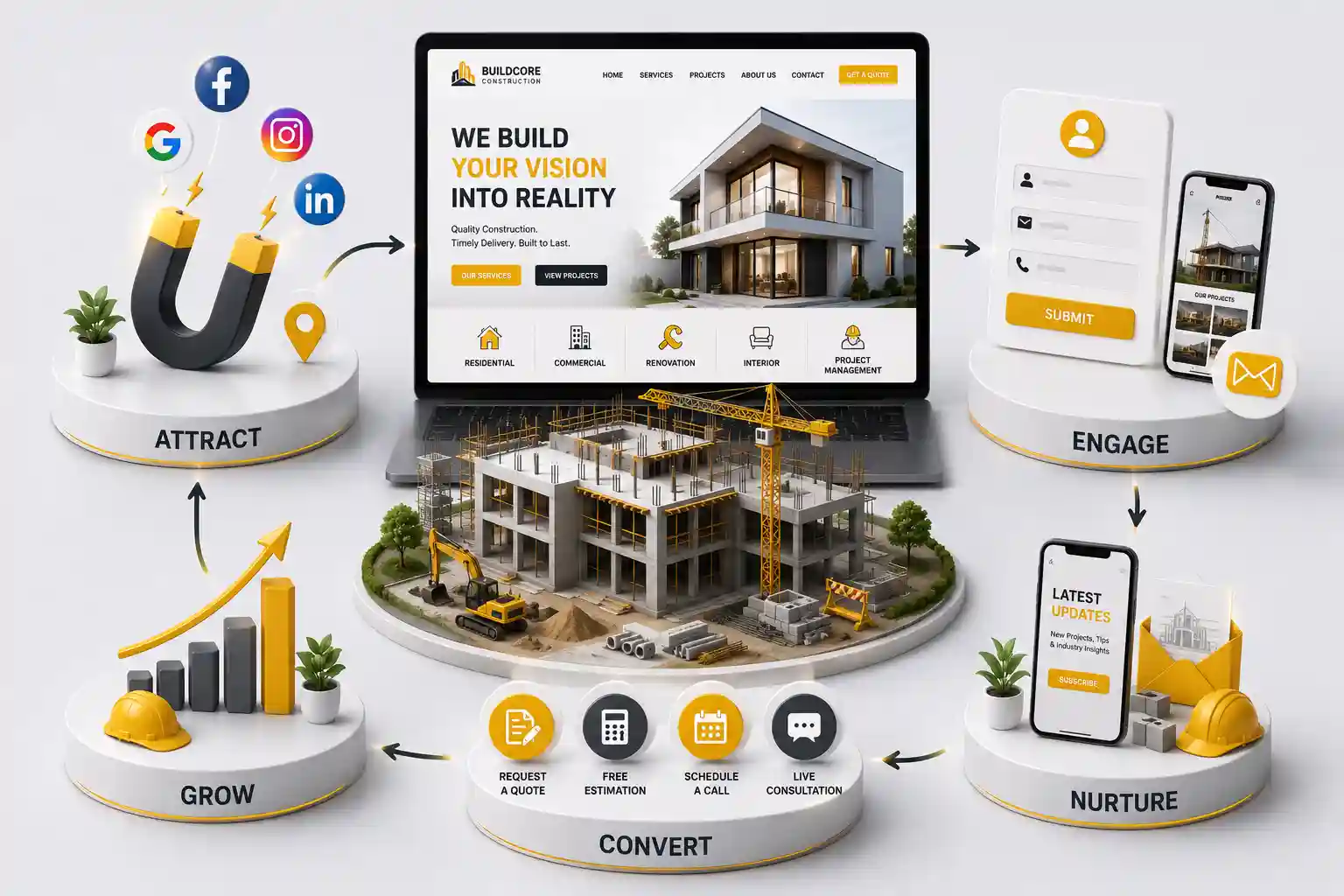
12 Features Every Construction Company Website Should Have
Prioritize construction website features that turn project research into qualified RFQs: proof, filters, mobile CTAs, local pages, and fast performance. This guide covers twelve construction website features grouped into practical build priorities for construction web development teams in 2026.
Many construction firms publish a logo and a phone number, then wonder why serious owners never inquire. Construction website features get treated as decoration instead of tools that prove capability and route work to estimating. US buyers compare contractors quickly. Strong contractor website design removes doubt, shows similar projects, and makes the next step obvious. Weak builder websites force prospects back to directories or competitors.
This guide covers twelve construction website features grouped into practical build priorities for construction web development teams in 2026.
Owners, estimators, and marketers improving a construction company website or planning contractor web design from scratch.
Features 1 to 4: proof, services, and credibility
Lead with a project portfolio that filters by type, sector, or market. Each featured job needs scope notes, location context, and outcomes owners care about. Pair galleries with clear service pages written in buyer language, not internal trade codes.
Add credibility blocks next: licenses, insurance highlights, safety culture notes, affiliations, and selected testimonials. These construction website features reduce repetitive qualification calls and improve lead quality before estimating invests time.
1. Filterable project portfolio
2. Detailed project case summaries
3. Clear service and capability pages
4. Credentials, safety, and social proof
Write project summaries with the constraints owners care about: schedule pressure, occupied renovations, occupied facilities, or specialty systems. Vague galleries look pretty and convert poorly. Strong construction website features make scope understandable in under a minute.
Keep credentials accurate and current. Expired claims damage trust faster than missing awards. A construction company website should make it easy to verify who you are without forcing a phone call for basic legitimacy questions.
Features 5 to 8: RFQ paths and mobile conversion
A construction company website should make quoting easy on mobile. Offer click to call plus a structured RFQ form that captures project type, location, timeline, and budget range. Keep early fields lean so prospects finish the form.
Add confirmation messaging and route notifications to the right estimator. If you run residential and commercial teams, ask for project category early. Sticky CTAs on portfolio pages keep contractor website design focused on action.
5. Prominent mobile quote and call CTAs
6. Structured RFQ forms with smart routing
7. File upload options when plans are common
8. Confirmation and follow up messaging
Test RFQ forms on a phone with a weak signal. If uploads stall or required fields feel endless, shorten the first step. Contractor website design that ignores mobile estimating inquiries quietly loses commercial prospects comparing multiple firms the same afternoon.
Train office staff on the confirmation message and response standard. Website features cannot fix unanswered RFQs. Pair construction web development with a clear owner for new leads during business hours and a backup path for peak seasons.
Features 9 to 12: local reach, speed, process, and insight
Local and trade SEO pages help owners find you for city plus service queries. Align NAP details with your business profiles. Performance is a feature: compress galleries and limit heavy scripts so builder website pages feel trustworthy on cellular.
Publish a simple process page explaining inquiry to proposal. Add analytics events for RFQ starts and completions so construction web development decisions stay evidence based. Industry resources from the National Association of Home Builders can inform messaging while your site focuses on conversion.
9. Local and service area pages
10. Fast mobile performance
11. Clear process and FAQ content
12. Analytics tied to qualified leads
Process pages reduce repetitive discovery calls. Explain how inquiries move from first contact to proposal and what information helps estimating respond faster. That transparency is a practical construction website feature buyers appreciate before they invest time in a meeting.
Analytics should answer operational questions: which project stories create RFQs, which devices fail forms, and which campaigns waste spend. Without those answers, contractor web design debates stay subjective and budgets drift toward decoration.
Prioritize measurement before launch marketing. Confirm RFQ events, call tracking if used, and form failure logging. Those basics tell you which construction website features deserve more investment after the first bid cycle closes.
When resources are limited, improve project storytelling and RFQ clarity before adding experimental widgets. Owners hire confidence. A focused builder website with strong proof usually outperforms a feature heavy site that feels unfinished to serious buyers.
Revisit form fields seasonally. Winter remodel inquiries differ from summer commercial pursuits. Adjust required questions so estimating gets what it needs without scaring off good fit prospects. That small habit keeps contractor website design aligned with real pipeline mix across the year.
Tell us your trades and markets. We will recommend a practical feature roadmap for US contractor growth.
Prioritize contractor website features by buyer jobs
Property owners and project managers want proof you can deliver, clarity on services, and an easy way to request a quote. Score every feature against those jobs. Animated heroes can wait until portfolio filters, RFQ forms, and mobile contact paths work cleanly.
Ask recent clients where they hesitated online. Friction often sits in missing project scopes, unclear service areas, or forms that demand a full bid package before a first conversation.
Make mobile portfolio review effortless
Many decision makers browse job sites and phones between meetings. Compress galleries, keep captions readable, and keep quote CTAs visible. A slow portfolio is a silent no for commercial prospects comparing multiple contractors.
Keep primary RFQ CTA visible on project pages
Use clear before and after or progress photos
Avoid hover only interactions for filters
Test click to call on real devices
Connect website features to estimating workflows
RFQ forms create value when the right estimator receives project type, location, timeline, and budget range. Without routing, strong construction website features become a messy inbox. Document which events fire and who owns incomplete leads.
Align website fields with how your team qualifies work. Residential remodel leads and public bid opportunities rarely belong in the same queue without tagging.
Retire low value widgets on contractor sites
Audit quarterly for tools that attract clicks but never create conversations. Remove unused calculators, stock video backgrounds, and redundant chat plugins that slow pages without helping estimators.
Export feature usage and lead outcomes for ninety days
Interview estimating and office staff about friction
Remove the weakest performer
Reinvest effort into project content quality
When you remove a feature, tell office staff and estimators what changed. People keep sending owners to old URLs or promising calculators that no longer exist. A short internal note prevents avoidable embarrassment during sales conversations.
Reinvest freed attention into better project storytelling and clearer RFQ questions. Those unglamorous construction website features usually create more awards than another animated homepage section. Busy owners reward clarity.
If leadership wants innovation, pilot one idea on a single trade page first. Measure RFQ rate for a month before rolling it across the full construction company website. Controlled tests protect the live funnel.
Score each pilot on mobile conversion, completion rate, estimator handling time, and lead quality. A feature that looks impressive in a demo but floods estimating with poor fit work is not a win. Construction website features must serve operations.
When a pilot succeeds, document the setup so other service lines can copy fields and notifications. Standardization keeps construction web development maintainable as your catalog of trades grows.
When a pilot fails, archive the lesson. Teams that forget failed experiments repeat them after turnover. A brief note saves money and keeps contractor website design focused on what actually creates awards.
Train office staff on which construction website features to mention during calls. If a filterable portfolio or RFQ upload exists, say so. Features only create value when the team routes owners to them confidently.
After each major photo upload, retest gallery speed on mobile. Heavy image libraries quietly undo earlier performance work. A short compression checklist protects the RFQ path that your contractor website design depends on during competitive bid weeks.
A filterable portfolio, clear services, credibility proof, mobile RFQ CTAs, structured quote forms, local pages, and fast performance. These contractor website design elements move owners from research to inquiry. Everything else is secondary until those basics convert.
Include uploads if plans arrive with most inquiries. Otherwise start with structured fields and add uploads after estimating documents the workflow. Premature file requirements can scare off good fit residential remodel leads.
Publish enough representative work to prove capability without creating thin duplicates. Quality case summaries beat a huge gallery of unlabeled photos. Update captions when scopes or finishes matter to buyers in your trade.
Yes for most markets. Selected reviews that mention schedule, communication, or quality help owners decide faster. Pair quotes with the project type they reference so proof feels specific rather than generic.
Most companies benefit from one construction company website with market specific pages. That keeps branding consistent while capturing local search demand. Thin city templates without real operations usually hurt more than they help.
Critical. Slow galleries increase bounce rates and reduce RFQs even when ads are well targeted. Test portfolio pages on midrange phones before launch and after major photo uploads.
What you build, where you work, a clear quote CTA, and a trust signal such as years in business or featured project proof. Avoid clutter that pushes the RFQ action below the first screen on mobile.
Review usage quarterly. Keep tools that improve discovery, credibility, quote context, or staff efficiency. Retire the rest. Construction website features should earn their place with pipeline evidence, not demo excitement.
Only when they create qualified conversations and your team can support them. Otherwise they add maintenance without improving awards. Pilot on one trade page before rolling calculators across the full site, and retire them quickly if estimator feedback is negative.
Learn why a professional construction company website wins trust, improves lead quality, and supports contractor growth when marketplace leads get more expensive.
Plan a construction website budget through scope, phased delivery, RFQ complexity, content readiness, maintenance, timelines, and comparable vendor proposals.
Project-focused websites that showcase your portfolio, capture quote requests, and win more contracts. Available for builders and contractors across major Indian cities. Every page is planned for stronger search visibility, faster performance, clearer customer journeys, and measurable enquiries.
My Perfect Solutions helps brokers, clinics, restaurants, and growing brands launch fast, SEO-ready websites that turn search traffic into qualified enquiries across India.