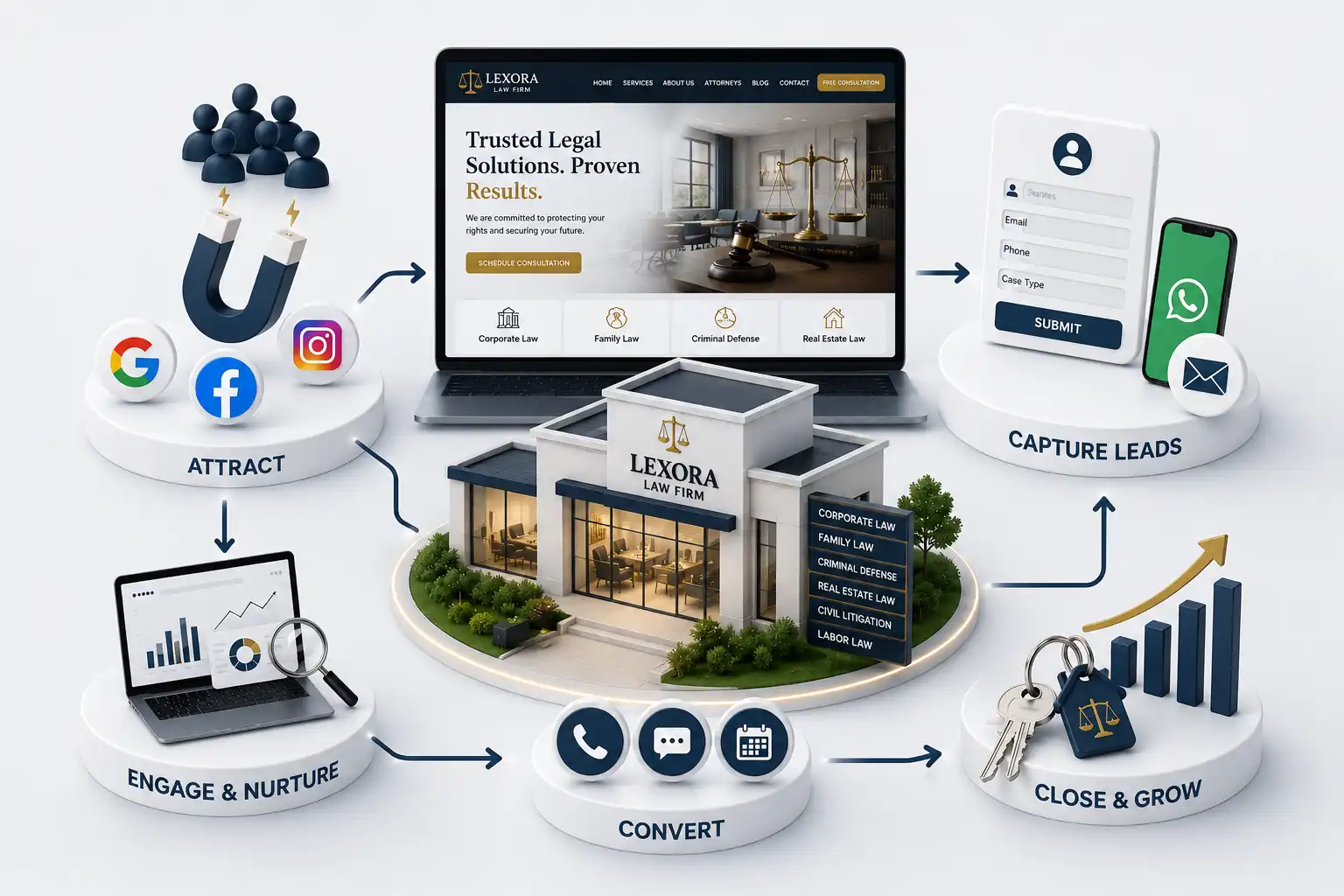
Build a law firm consultation booking path that qualifies enquiries, sets expectations, supports scheduling, and reduces missed appointments without giving legal advice. This law firm consultation booking website guide explains how to design the path from CTA to qualification, scheduling, confirmation, and reminder. It focuses on practical website strategy: not legal advice, a substitute for professional ethics guidance, or a promise that submitting a form creates an attorney-client relationship.
A “Book a consultation” button does not create a working consultation process by itself. On many law firm sites, it opens an unqualified contact form, sends a message into a shared inbox, or exposes a calendar without explaining whether the firm handles the matter. Visitors do not know what happens next, staff lack the context to respond, and booked meetings are missed because no one set useful expectations. A consultation is a high-trust moment. Prospective clients may be under pressure, uncertain about terminology, or reluctant to disclose details online. The website must make starting contact feel straightforward while supporting the firm’s actual intake process. Good booking UX gives people a clear path, gives staff enough information to triage, and avoids promising legal representation or advice through a form.
This law firm consultation booking website guide explains how to design the path from CTA to qualification, scheduling, confirmation, and reminder. It focuses on practical website strategy: not legal advice, a substitute for professional ethics guidance, or a promise that submitting a form creates an attorney-client relationship.
It is intended for managing partners, law firm marketers, intake coordinators, administrators, and web teams. The framework works for solo firms and larger practices, but each firm should align its wording, data handling, and eligibility rules with its own policies and qualified advisors.
Choose the consultation booking model before designing the form
First decide what “booking” means for the firm. Some matters need a consultation request that an intake coordinator reviews. Others can use an appointment selector after basic qualification. A third model offers a short initial call before a longer consultation. These are different workflows, so they should not share a generic form and calendar simply because the button label is the same.
Map the route from site visit to confirmed appointment with the people who answer enquiries. Note practice areas, office or remote options, response windows, consultation policies, and the circumstances that require a manual review. A website should reflect this operational reality. A calendar that advertises instant availability but leads to cancellations damages trust more than a transparent request-and-confirm flow.
Consultation booking models
Model
Best when
Website next step
Request and review
Fit or conflicts require staff review
Confirm receipt and set response expectation
Qualified self-scheduling
The firm has reliable eligibility rules and availability
Show appropriate times after the short form
Brief screening call
A longer consultation needs prior context
Offer a short call with clear purpose
Start with a specific CTA and a calm first screen
The CTA should describe the action honestly: “Request a consultation,” “Check consultation availability,” or “Schedule an initial call.” Keep it consistent across practice pages, attorney profiles, and the main contact area. A visitor should not see “Free case review” on one page and “Book now” on another if the firm follows the same reviewed process in both cases.
On the first booking screen, state who the path is for, the information the firm will ask for, and what will happen after submission. Link to a concise privacy notice where appropriate. Do not surround a stressed visitor with navigation choices or promotional copy. A short heading, a practical explanation, and a visible progress cue are usually more useful than a decorative booking interface.
Qualify the enquiry without over-collecting sensitive detail
The first step needs enough information to identify a possible practice fit and route the enquiry: name, reliable contact method, general matter category, preferred consultation format, timing or urgency, and a short summary. Ask only what staff genuinely uses before confirming a consultation. A lengthy narrative box, document upload, or detailed opposing-party questions can be appropriate later in a firm-controlled process, but they often create abandonment when placed before first contact.
Use conditional questions sparingly. If the visitor selects a practice area, one additional routing question may prevent misdirected requests. Do not turn the website into a legal questionnaire. Explain that the visitor should avoid sending highly sensitive information through the general contact path unless the firm instructs them otherwise. Exact language, security practices, and conflict procedures should be reviewed within the firm’s own requirements.
Test the qualification step on a mid-range phone with real staff reviewing sample submissions. If intake cannot route a submission in under a minute, the form is collecting the wrong fields or presenting them poorly in notifications. Fix that before adding calendaring complexity.
Contact details and preferred reply channel
A general practice or matter category
Desired consultation format when choices exist
Urgency or a relevant timeline
A short optional summary in plain language
A visible privacy and relationship expectation
Make scheduling match real capacity
Self-scheduling works only when availability, meeting type, and ownership are accurate. Show a limited set of slots that staff can honour, distinguish phone, video, and office options, and account for preparation and follow-up time. If different practices use different schedules, route before showing times. It is better to offer fewer reliable appointments than an impressive calendar that creates a stream of rescheduling messages.
Accessibility and mobile usability remain central. Calendar controls need keyboard access, visible selected states, meaningful labels, and an alternative method for people who cannot use the widget. On phones, avoid forcing visitors to zoom through a week-view grid. Let them select a date, then a time, with a plain-language summary before confirmation.
“A consultation calendar is an operational promise. Its design should be based on who can respond, prepare, and meet—not only on what a scheduling tool can display.”
Create confirmations that help visitors follow through
The confirmation screen and email are part of the booking experience, not a receipt to overlook. Repeat the appointment date, time, time zone where relevant, format, location or joining instructions, and the firm’s contact method for changes. State what the consultation is intended to cover and what the visitor can prepare, using approved language. Avoid implying that the firm has accepted representation or evaluated the merits of the matter.
For request-and-review flows, do not call the result a confirmed appointment. Say that the firm has received the request and explain the expected next contact. This distinction avoids a common trust failure: a visitor believes they have booked time, while staff believes they merely received a message. The confirmation should preserve the visitor’s submitted general details without exposing unnecessary information.
Reduce no-shows by making attendance easier
No-show reduction is mostly an expectation and service problem. Send a confirmation immediately, then a useful reminder at a sensible interval chosen by the firm. Include the appointment basics, easy reschedule or cancellation instructions, and a short preparation list. Do not send vague promotional reminders; give the recipient information they need to attend. Where policies apply to missed consultations, make them visible before the booking is confirmed.
Send a clear confirmation as soon as the appointment is created
Send an approved reminder with date, format, and joining details
Offer an uncomplicated way to reschedule or cancel
Provide a concise preparation checklist when appropriate
Review no-show patterns by appointment type and source page
Improve your law firm booking path
Discuss a consultation journey that supports your intake team, visitors, and approved firm processes.
Connect the website to intake without losing context
A booking flow should pass context safely to the people who need it: selected practice, source page, preferred contact method, requested format, and any permitted summary. Decide who owns each handoff, what counts as a successful booking, and which fields should be visible in notifications. Integrations with a CRM, inbox, or scheduling system are useful only when the team can monitor them and repair failures.
Measure the path in stages: CTA taps, form starts, completed qualification steps, appointment requests, confirmed appointments, attendance, and qualified follow-up. Review the data with intake staff. A high form completion rate is not success if requests go unanswered; a low calendar completion rate may reveal that the website is asking people to commit before explaining the consultation.
Keep public contact details consistent and reviewable
The phone number, office details, hours, and primary consultation action on your website should align with the channels a prospective client sees elsewhere. Review Google’s Google Business Profile help when maintaining public business information. Consistency reduces the chance that someone sees one office hours message in search and another on the site, then abandons a consultation request. A quarterly review of NAP details, hours, and CTA labels across the website and public profiles is a simple operational habit that protects booking trust.
It can, when eligibility, availability, and staffing are reliable. If a matter needs review first, use a consultation request flow and explain when the firm will respond.
Ask for contact details, a general matter category, preferred consultation format, timing, and a short summary. Collect only information the firm uses before confirming the next step.
Use clear, firm-approved notices near the form and confirmation that submitting an enquiry or request does not itself create that relationship. The firm should review its exact language and process.
Send clear confirmations and reminders, make time and meeting format obvious, provide joining or location instructions, and offer a simple reschedule path. Review attendance patterns with intake staff.
A request asks the firm to review and respond; a confirmed appointment reserves a specific time with meeting details. The website and messages should name the state accurately.
No. Show only slots the firm can honour, including enough preparation and follow-up time. Reliability is more valuable than apparent abundance.
Only if the firm has an approved, secure, and operationally supported process. A first contact path often works better with a short summary and instructions for the next step.
Track CTA taps, form starts, completed requests, confirmed appointments, attendance, response time, and qualified follow-up. Interpret the numbers with the intake team’s experience.
Google Ads can fill the phone this week. A strong law firm website builds trust, compounds organic demand, and stops paid traffic from bouncing. Here is how to choose—and when to use both.
A practical 2026 law firm website design guide covering trust, practice architecture, mobile consultation paths, accessibility, and durable content operations.
Prioritize law firm website features that convert clients: practice pages, attorney profiles, intake forms, trust signals, and a clear mobile CTA hierarchy.
Plan law firm website development cost in India by practice scope, attorney profiles, intake workflows, redesign depth, SEO, timeline, and phased maintenance.
Law firm websites with practice areas, attorney profiles, and enquiry flows that convert visitors into client consultations. Available for firms across major Indian cities. Every page is planned for stronger search visibility, faster performance, clearer customer journeys, and measurable enquiries.
My Perfect Solutions helps brokers, clinics, restaurants, and growing brands launch fast, SEO-ready websites that turn search traffic into qualified enquiries across India.