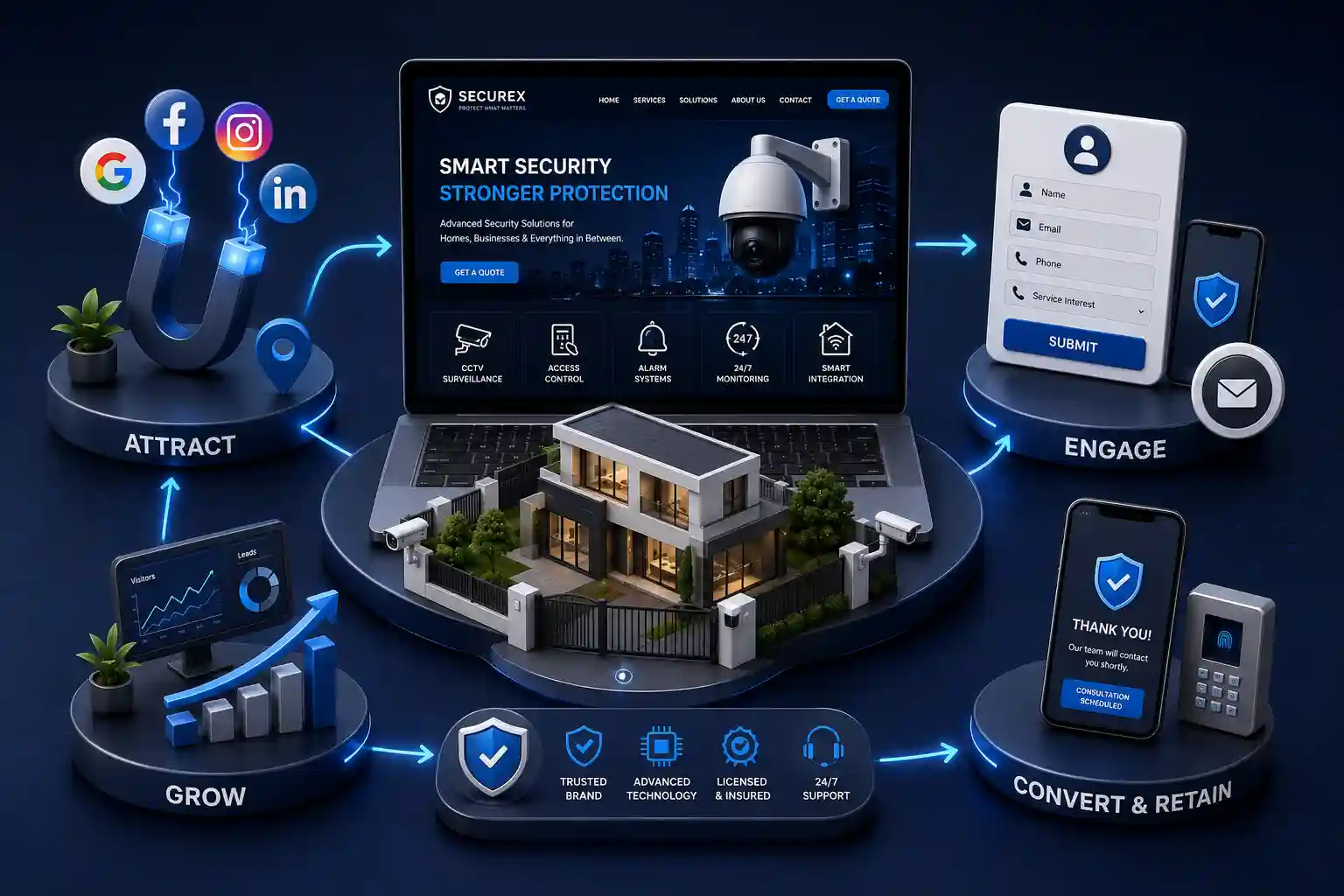
Security Company Website Features That Convert Guard and CCTV RFQs
Turn guard and CCTV research into qualified RFQs with clear service pages, scope-aware forms, evidence, fast mobile paths, and reliable follow-up expectations. This guide prioritizes the security company website features that convert guard and CCTV interest into useful RFQs: service architecture, scope-aware enquiry forms, operational proof, mobile CTA hierarchy, performance, and measurement. It covers universal commercial website practice rather than local licensing rules, country-specific compliance, or a promise that any provider can deliver a particular security outcome.
A security company website can look authoritative and still lose the buyer who is ready to request a guard deployment or CCTV quote. Generic service cards blur together, project galleries omit the decision-making context, and contact forms ask either too little to route a request or so much that a facilities manager abandons them on a phone. The result is a sales team receiving vague messages while qualified prospects move to a provider that made scope, proof, and next steps easier to understand. Security purchases are often triggered by a practical event: a new site opening, recurring incidents, a contract review, an insurance recommendation, or an expansion of cameras and access points. Buyers want enough confidence to invite a conversation, not a long marketing tour. Website features that convert create that confidence by helping them recognize a relevant service, estimate the information a supplier needs, and submit an RFQ without uncertainty about what follows.
This guide prioritizes the security company website features that convert guard and CCTV interest into useful RFQs: service architecture, scope-aware enquiry forms, operational proof, mobile CTA hierarchy, performance, and measurement. It covers universal commercial website practice rather than local licensing rules, country-specific compliance, or a promise that any provider can deliver a particular security outcome.
It is for security company owners, operations leaders, sales teams, marketing managers, and agencies planning a launch or redesign. Guarding providers, CCTV integrators, monitoring teams, and blended security businesses can use the framework whether they sell to commercial property, residential communities, retail, logistics, or events.
Design around the RFQ decision, not a service brochure
A high-intent visitor is trying to answer a compact set of questions: Do you handle a site like mine? Which security option fits the situation? Can I trust you to assess the requirement? How quickly can I request a quote? Start the website brief with those questions instead of a catalogue of visual effects. A guard requirement and a CCTV expansion may share a buyer, but they need different information, proof, and routing. The website should acknowledge that difference before the visitor reaches a form.
Interview sales and operations before choosing features. Identify the terms qualified buyers use, the details estimators need first, common requests you cannot service, and the promises staff can reliably make. Then map a short visitor path for each priority offer: search or referral, relevant service page, evidence of fit, scope request, and confirmation. This keeps the homepage useful while allowing dedicated pages to do the conversion work.
Separate guard, CCTV, and monitoring paths clearly
One page titled “Security Services” rarely answers a buyer’s need. Give each actively sold offer a focused page: manned guarding, mobile patrol, CCTV design and installation, monitoring, access control, or assessments where relevant. Lead with the use case and the decision the service supports, then explain the delivery model in plain language. A distribution centre manager should be able to find coverage and patrol information without sorting through camera specifications; a buyer planning cameras should see survey, design, installation, and support expectations without guessing whether guards are required.
A clear statement of the sites, situations, or outcomes the service addresses
A concise explanation of the assessment or scoping step
Relevant operational proof and examples with approved, non-sensitive detail
A primary RFQ or assessment CTA matched to the service
Related-service links that preserve context rather than restarting the journey
An honest note when a requirement needs an initial review before pricing
The best security RFQ form is not the longest possible site survey. Its first job is to start a useful commercial conversation. Ask for contact details, service interest, site or project type, approximate coverage need, timing, and a free-text description. For CCTV, offer an optional indication of new installation, upgrade, or maintenance. For guarding, offer coverage pattern or hours only if the choice is easy to understand. Let an estimator collect drawings, camera counts, risk details, and sensitive information after the initial response.
Use conditional fields sparingly. They can make a form more relevant, but a maze of branching questions feels like work before value. Label every field, explain errors beside the input, preserve entered text after validation, and state how submissions are handled. A confirmation should explain the next operational step, such as an assessment call or a request for further site information, without committing to an unverified quote or response time.
RFQ form choices by service
Service path
Useful first detail
Best next step
Manned guarding
Site type and coverage timing
Scope call or site assessment
CCTV installation
New system, upgrade, or issue
Survey and design discussion
Monitoring
Existing system and desired coverage
Compatibility and service review
Access control
Doors or access areas involved
Requirements assessment
Need a security website that earns better RFQs?
Discuss your services, qualification workflow, and sales handoff in a consultation focused on conversion-ready security web development.
Prove operational fit without oversharing sensitive detail
Security buyers need evidence, but a website should not expose information that creates risk for clients or sites. Use approved project summaries, sector experience, training and process descriptions, supported technologies, and testimonials that focus on service quality. Explain how assessment, deployment, reporting, escalation, maintenance, or monitoring works at a high level. Where logos, accreditations, or partner marks are used, verify permission and keep them current. Specific claims should be supportable by the operations team, not copied from a competitor’s homepage.
Place proof where uncertainty is highest: beside the RFQ CTA, after the service process, and close to questions about coverage or support. An about page still matters for company background, but it is too far from the decision for most visitors. Link there when buyers want to understand the team and standards behind the service. A clear company story also gives sales a credible page to share after a first call.
Introduce the people and operating approach behind your offer on the about page. Design proof and form controls to meet relevant accessibility expectations; the Web Content Accessibility Guidelines are a useful starting reference.
Make mobile a first-class RFQ path
Facilities teams, property managers, and owner-operators do not always begin research at a desk. On a phone, the difference between a clean RFQ path and a dense brochure is immediate. Keep the primary action visible, use ordinary labels such as “Request a site assessment” or “Get a CCTV quote,” and avoid presenting three equal buttons at once. A click-to-call option helps only if calls are answered or messages are reliably returned; otherwise, make the form the primary path and describe its follow-up expectation.
Use one primary CTA on every priority service template.
Keep phone, email, and quote actions visually ordered rather than competing.
Test form fields, keyboard behavior, errors, and confirmation on real devices.
Avoid sticky elements that cover form controls or consent text.
Track calls, form starts, submissions, and qualified opportunities separately.
Treat speed and accessibility as conversion work
A cinematic security video, dozens of uncompressed installation images, and several chat or tracking scripts can make a website feel slow exactly when a buyer wants to act. Use optimized images, reserve space to prevent layout shifts, load nonessential elements carefully, and periodically test service pages on ordinary networks. Fast delivery supports every other conversion feature: the service message appears sooner, the CTA stays stable, and the form is less likely to be abandoned.
Accessibility improves the same path. Headings should create a logical outline, text needs adequate contrast, interactive controls need visible focus and accessible names, and forms must communicate errors in words rather than color alone. These are practical quality standards, not decorative extras. A visitor unable to understand a selector or submit a form is not a lead your team can recover through better advertising.
Measure qualified enquiries, not only CTA clicks
A click on “Get a quote” is a leading signal, not proof that the website is working. Connect website events to the sales outcome where possible: form start, submission, successful call, first response, assessment booked, and qualified RFQ. Review these measures by service and device. If a CCTV page attracts many form starts but few submissions, simplify the form or clarify the first question. If guarding enquiries are frequent but unsuitable, refine the service explanation and qualification options before adding more traffic.
“Security website conversion is the handoff from a buyer’s operational concern to a sales conversation with enough context to respond well.”
Launch in phases with a clear owner for every handoff
Start with the pages and pathways that support your most valuable services: focused service pages, approved proof, a short RFQ form, clear mobile CTAs, and a confirmation workflow that sales owns. Add comparison tools, knowledge resources, live chat, calculators, portals, or video libraries only after the foundation is measured and maintained. Every feature needs an accountable owner—someone to keep service claims current, someone to reply to submissions, and someone to review performance with sales.
Prioritize focused guard and CCTV service pages, a short scope-aware RFQ form, credible operational proof, clear mobile CTAs, fast page delivery, and measurable handoff to sales. The right mix depends on services and staffing, but these features support the core buying decision.
Yes, when they are actively sold services. They involve different visitor questions, scope details, and next steps. A shared overview page can introduce the offer, while dedicated pages provide the clarity needed to request an RFQ.
Start with contact details, service interest, site or project type, timing, and a short description of the need. Add only the fields your team genuinely uses to choose the next response. Detailed surveys can follow after contact.
Keep the first submission short enough for phone completion. Knowing whether the request is for a new system, an upgrade, or support plus basic site context is usually more useful than forcing camera counts before a survey.
Use them only with permission and without exposing sensitive site information. Approved summaries, process explanations, and service-quality testimonials can demonstrate experience while respecting client security and privacy.
Use it when calls are answered or monitored reliably. If not, prioritize a site-assessment or RFQ form that sets clear expectations for follow-up. Measure completed calls and qualified submissions separately.
Slow pages delay service information and make visitors less likely to complete forms, particularly on mobile networks. Optimized media and stable layouts make the RFQ route easier to use and help every campaign perform better.
They can help when trained staff respond quickly and the channel is routed into sales. An unstaffed widget or one that replaces the form can create frustration. Treat chat as a supported channel, not the conversion foundation.
Track CTA taps, form starts, submissions, call connections, booked assessments, and qualified RFQs. Review the funnel by service and device with sales so the team can distinguish high traffic from commercially useful enquiries.
Win more guard, CCTV, and monitoring enquiries with clearer service pages, quote forms, emergency CTAs, trust credentials, industry pages, and Google visibility.
Plan a security guard RFQ form that qualifies an initial site survey, minimises collection, protects uploads, routes cases, and survives operational failures.
Review CCTV service pages for environment, system boundaries, maintenance, supported certification evidence, cybersecurity, safe surveys, and careful specifications.
Trust-building websites for security agencies with clear services, enquiry forms, and professional credibility. Available for agencies across major Indian cities. Every page is planned for stronger search visibility, faster performance, clearer customer journeys, and measurable enquiries.
My Perfect Solutions helps brokers, clinics, restaurants, and growing brands launch fast, SEO-ready websites that turn search traffic into qualified enquiries across India.