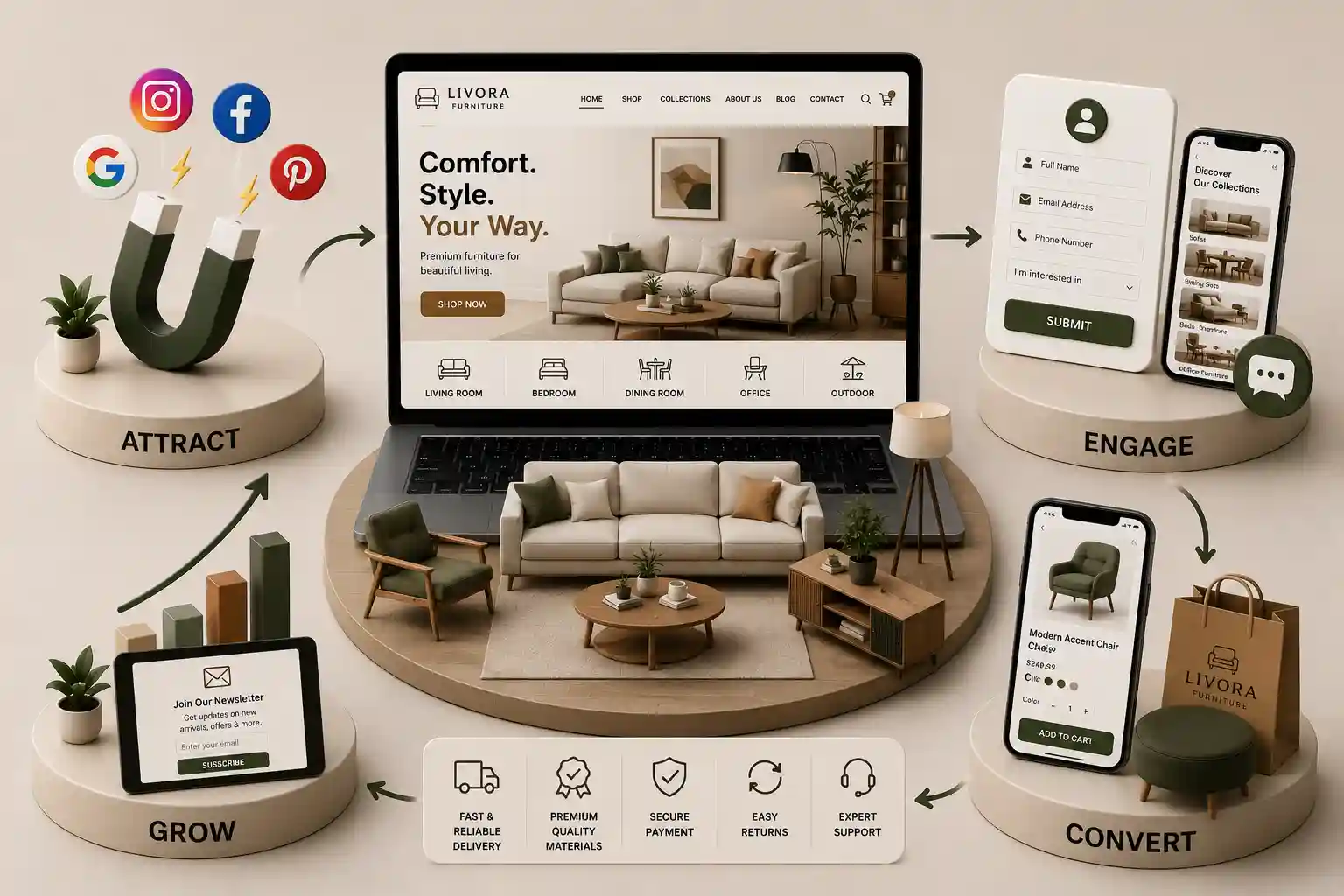
Furniture Product Page Checklist India for Showroom Catalogues
Use this furniture product page checklist India to plan honest galleries, governed specifications, variant clarity, showroom enquiry paths, and Product structured data. This furniture product page checklist India covers information modelling, gallery planning, specification writing, variant and dimension alignment, trust and enquiry design, Product structured data, mobile usability, and a repeatable audit. It supports commercial evaluation and content planning; it does not guarantee rankings, rich results, conversion rates, or showroom footfall.
A furniture brand can publish a beautiful product page that still leaves a buyer uncertain. Photographs may hide depth or upholstery grain, dimensions may sit inside an image, and a finish selector may change the headline price without explaining what is included. A sofa listed as in stock may actually depend on fabric approval and a six-week workshop schedule. Showroom teams then spend the first call correcting the website instead of qualifying a serious enquiry. Furniture product pages sit between catalogue governance, showroom sales, logistics, and search visibility. They must help someone judge fit for a room, material suitability, configuration limits, and the honest next step—browse, visit a showroom, request a quote, or proceed where ecommerce is truly supported. Thin copy, invented scarcity, or mismatched structured data creates disputes later and weakens trust with architects, interior designers, and retail buyers who compare several suppliers.
This furniture product page checklist India covers information modelling, gallery planning, specification writing, variant and dimension alignment, trust and enquiry design, Product structured data, mobile usability, and a repeatable audit. It supports commercial evaluation and content planning; it does not guarantee rankings, rich results, conversion rates, or showroom footfall.
It is for furniture founders, catalogue managers, showroom managers, merchandisers, photographers, content editors, designers, developers, and agencies replacing PDF cut sheets with maintainable web catalogues. The same checks apply to single-showroom makers and multi-city retailers, provided each team adapts fields to its actual product range and fulfilment model.
Model furniture product information before designing templates
Start with the product record, not the hero banner. Define stable identifiers, display names, categories, collections, materials, finishes, configurable modules, dimension sets, weight or volume where relevant, care guidance, warranty scope the business can support, lead-time classes, and which actions each SKU allows. Assign an owner for catalogue accuracy and a separate owner for commercial wording. When showroom staff, ERP exports, and the website disagree, the page will eventually contradict someone—usually at the worst moment in a sale.
Define fields, approvals, and publication gates
Separate verified attributes from marketing narrative. Attributes might include overall width, seat depth, frame material, upholstery composition, and included cushions. Narrative might describe styling context or room pairing ideas. That split makes updates safer when a supplier changes fabric composition or when a modular range gains a new arm option. Require approval before price bands, lead times, or warranty statements publish, and record who approved each sensitive field.
Illustrative furniture product fields
Field group
Visitor need
Governance note
Identity
Know which product they are viewing
Match SKU and showroom labels
Dimensions
Judge room fit
State metric units and tolerances if applicable
Finishes
See real material options
Link swatches to governed names
Configuration
Understand modules or sizes
Show incompatible combinations clearly
Commercial
Know price basis and lead time
Align with quotation workflow
Action
Choose enquiry or purchase
Do not imply instant delivery by default
Page quality depends on catalogue architecture upstream. Pair this checklist with the furniture catalogue website checklist for India so product templates inherit consistent categories, filters, and showroom links rather than isolated landing pages.
Build galleries that answer real showroom shopping questions
List what a visitor cannot judge through a screen: overall scale, seat height, leg clearance, texture, joinery, back construction, drawer depth, or how a modular piece expands. Plan media to answer those questions deliberately. Repeated front angles look abundant while revealing little. For upholstery, show weave or nap honestly; for wood, show grain direction and edge treatment where it affects expectations.
Lead with a recognizable full-product view, then add context and detail shots
Provide dimension diagrams readable without zoom as the only path
Update gallery media when the selected finish or configuration changes
Label styled accessories that are not included in the listed price
Reserve image dimensions to limit layout shift on mobile networks
Write alternative text that describes informative views, not keyword stuffing
On mobile, test whether pinch-zoom is required to read a dimension label or whether swipe gestures conflict with browser back navigation. Trade visitors often compare several suppliers on a phone between site visits; if your gallery hides back views behind a carousel they cannot discover, you have effectively removed information from the sale. Record which shot roles are mandatory per category—seating, storage, tables, and outdoor pieces do not need identical counts, but each category should have a documented minimum evidence set approved by merchandising.
Write specifications and care copy that support decisions
Useful copy names the product type, intended setting, materials, construction notes, configuration limits, what is included in the listed scope, and care guidance the business can verify. Put the most decision-relevant facts where they scan quickly. Brand voice can add warmth, but it should not replace measurable information with phrases such as premium comfort or timeless luxury unless those phrases connect to verifiable attributes.
Separate facts, guidance, and room styling
Treat approved catalogue values as facts, fit or layout suggestions as guidance, and room scenes as editorial context. If a dining table seats six with a stated chair model, say so explicitly. If seating capacity depends on chair width, explain the assumption. If maintenance differs between finishes, show the instruction tied to the selected option rather than a single generic paragraph buried at the bottom.
“A furniture product page earns trust when it removes a real uncertainty about fit, material, or scope—not when it adds another adjective.”
Interior designers and architects often need downloadable specification summaries. If you provide a PDF or cut sheet, generate it from the same governed fields as the HTML page rather than maintaining a parallel document that drifts within weeks. When regional labelling rules affect material declarations, route wording through the same approval path used for packaging or showroom cards. Unsupported sustainability or health claims belong off the page until counsel and product teams approve explicit language.
Align dimensions, finishes, and variants on the page
The active finish, size, or module selection should control visible price basis, lead time, media, product code, and the primary action wherever those values differ. Announce state changes to assistive technology when selections update dependent fields. Distinguish ready stock, made to order, discontinued, and price on request only when operations define those states consistently across showroom, warehouse, and website.
Variant states to reconcile
State
Visitor should understand
Verify against
Ready piece
What can ship or be collected soon
Inventory or showroom system
Made to order
What is customised and typical timing
Production schedule rules
Price on request
Why price is not fixed online
Quotation workflow
Unavailable
Whether alternatives exist
Merchandising policy
Bundle
What components are included
Bill of materials
Budget and scope conversations often start before a product page is perfect. The furniture website development cost guide for India helps teams separate catalogue depth, configurators, and enquiry tooling from cosmetic template work.
Configurator logic deserves explicit acceptance tests. When a visitor selects a left-arm chaise, verify that incompatible ottomans disappear or explain why they are unavailable. When freight surcharges apply to certain states, surface that context before enquiry rather than surprising the buyer on a callback. If your ERP sends intermittent stock signals, document whether the website should hide add-to-cart, show made to order, or display call-for-availability—and make sure showroom staff use the same vocabulary on the phone.
Place trust signals and showroom enquiry paths near the decision
Trust on furniture pages comes from consistent specifics: delivery or installation context, warranty summary with link to full terms, care limitations, showroom visit invitation, and a clear quotation route. Near the primary action, explain what happens after enquiry—acknowledgement, measurement visit, fabric approval, or deposit—not a false instant checkout promise. If ecommerce is limited to accessories, say so before someone configures a sectional.
Handle reviews and project photography carefully
If reviews or project images appear, provide context the system can support without exposing private customer details. Do not invent star ratings, designer endorsements, or installation counts to fill empty modules. An honest empty state is more credible than fabricated social proof, especially for trade buyers comparing suppliers for a commercial project.
Enquiry fields should match what the page promises. Review furniture showroom enquiry form requirements alongside product templates so dimension interest, finish selection, and project city reach the right showroom queue.
Planning a furniture catalogue or product template refresh?
Map product data, variant rules, gallery standards, enquiry paths, structured markup, and mobile acceptance tests before redesigning pages.
Align Product structured data with visible catalogue facts
Product structured data helps search systems understand catalogue information when it mirrors what visitors see. Markup is not a substitute for accurate dimensions, pricing basis, or availability. Generate fields from the same governed records that feed the interface so a lead-time or price update does not leave stale JSON behind.
Review the Schema.org Product type definition alongside current search documentation. Represent name, image, description, sku, brand, offers, and availability only when the visible page and quotation workflow support those values. Validate rendered output after catalogue imports, not only in a staging preview.
Match marked-up identity to the main visible product
Use the same price basis shown to visitors where price is published
Represent variants with an approach appropriate to the catalogue model
Avoid marking up reviews that are not displayed or moderated
Re-test after ERP or PIM sync changes
Monitor search reports without treating appearance as guaranteed
Run a practical furniture product page audit
Sample difficult records, not only bestsellers. Include a ready stock chair, made-to-order sofa, modular system, price-on-request dining set, product with one image, and a discontinued line still receiving search traffic. Review on mobile with touch and keyboard, complete an enquiry or cart path, and reconcile visible states with showroom scripts and ERP exports. Capture screenshots and catalogue exports as evidence so disagreements between marketing and operations resolve against facts instead of memory.
Schedule revisits after major campaigns. A festival promotion that highlights living-room bundles should not leave bedroom specifications stale, and a marketplace sync that pushes new SKUs overnight should trigger automated checks for missing dimensions or duplicate titles. Treat the checklist as living QA attached to catalogue operations, not a one-time launch exercise.
List scenarios, owners, and evidence sources for the audit
Inspect gallery usefulness, labelling, alt text, and loading behaviour
Compare specification facts to approved catalogue records
Reconcile variants, dimensions, lead times, and primary actions
Complete enquiry or checkout journeys including validation errors
Include clear identity, informative gallery or diagram, verifiable materials and dimensions, finish or configuration selectors tied to governed data, honest lead-time or price basis, care and warranty access, showroom or quotation action, and contact help. The exact mix depends on whether the item is ready stock, made to order, or trade-only.
Show overall and relevant internal dimensions in readable text with consistent units, ideally alongside a simple diagram. State what is included in each measurement and whether tolerances apply. Do not hide essential sizing only inside a photograph or PDF. Update dimensions when modular configurations change.
Publish prices only when the business can honour them through the stated workflow. Use price on request or quotation routes when finishes, freight zones, or installation scope make fixed online pricing misleading. If a range is shown, explain what variables move the final quotation.
Connect each option to approved names, media, lead time, and commercial state. Disable or explain incompatible combinations. When a selection changes price or timing, update visible values predictably and preserve valid choices where possible. Recheck the active configuration at enquiry submission or checkout.
No. Accurate Product markup can help eligible systems understand a page, but it does not guarantee a particular search appearance. Follow current documentation, represent only supported visible facts, validate rendered output, and keep offers synchronized with catalogue records.
State that production begins after approved specifications, deposits, or fabric selection where applicable. Provide business-approved timing language, what can change the schedule, and how customers confirm final sizes. Avoid implying immediate dispatch unless operations truly support it.
Relying on a single hero image, mislabelled renders, missing scale context, finish photos that do not match swatches, and styled accessories presented as included items are common failures. Test whether a first-time visitor can judge size, material, and scope without calling the showroom.
Only when inventory, pricing, delivery, and payment workflows are genuinely integrated end to end. Many brands correctly route complex pieces to showroom enquiry or quotation while selling accessories online. The page should label the supported action honestly.
Re-audit after catalogue imports, new finishes, pricing policy changes, ERP sync updates, template redesigns, or repeated showroom complaints about specific SKUs. Keep a short checklist tied to release QA so regressions are caught before campaigns send paid traffic to outdated specifications.
Close the gap between browsing and contacting with clearer galleries, dimensions, materials, WhatsApp, catalogues, store discovery, quotes, and stronger mobile UX.
Custom orders die in chat threads that lack product context, sizes, and owner. Build a furniture WhatsApp custom quote workflow that starts on the website and stays trackable.
Convert catalog browsing into showroom visits and project enquiries with useful product detail, clear filters, trusted proof, and a simple mobile enquiry path.
Plan multi-showroom furniture information architecture, catalogues, domains, redirects, CMS roles, analytics, and staged migration without thin location pages.
Furniture and home decor websites with rich catalogs, shopping flows, and inventory that convert browsers into buyers. Available for furniture brands across major Indian cities. Every page is planned for stronger search visibility, faster performance, clearer customer journeys, and measurable enquiries.
My Perfect Solutions helps brokers, clinics, restaurants, and growing brands launch fast, SEO-ready websites that turn search traffic into qualified enquiries across India.