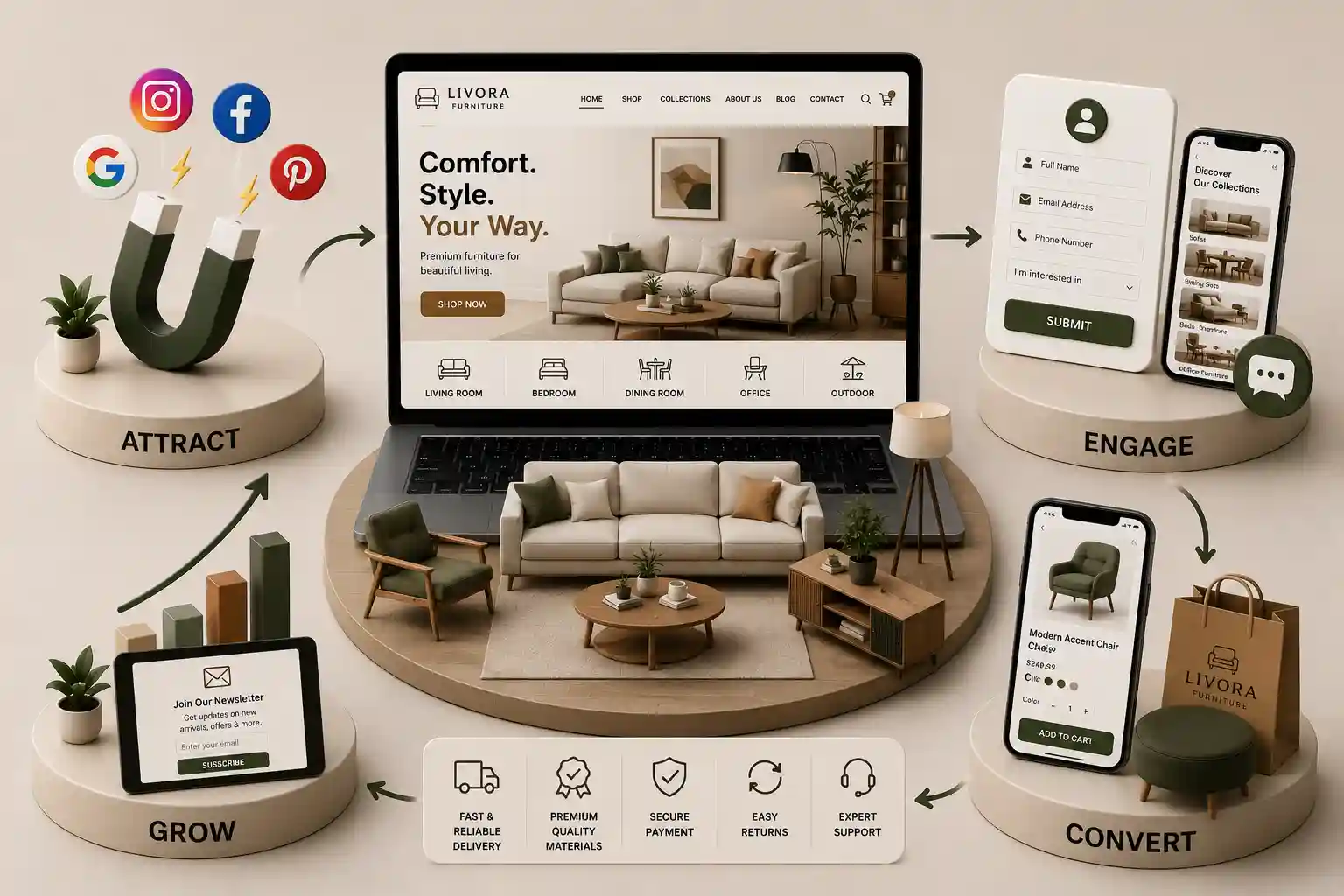
Convert catalog browsing into showroom visits and project enquiries with useful product detail, clear filters, trusted proof, and a simple mobile enquiry path. This guide explains furniture website features that convert enquiries through catalog structure, product pages, filters, contextual forms, showroom journeys, trustworthy proof, performance, and measurement. The advice is universal: it does not assume a particular market, showroom format, pricing model, or fulfillment rule. Use your own commercial and operational policies to decide which requests you can accept.
Furniture websites often make a strong first impression but fail to turn that interest into a useful enquiry. Large lifestyle images hide product details, a catalog has no practical way to narrow options, and a generic contact form forgets what the visitor viewed. Showroom information may be buried in a footer, while trade or project buyers cannot tell whether customisation, samples, quantities, or lead times can be discussed. The site generates browsing, but the sales team receives little context to continue the conversation. Furniture decisions are visual and practical at the same time. A visitor wants to imagine a piece in a room, then quickly check size, finish, use case, and how to see or discuss it. For a homeowner, that next action may be a showroom appointment. For an interior designer, hospitality buyer, or office project team, it may be a catalog request or specification conversation. Conversion features connect inspiration to those real next steps without forcing every visitor into an ecommerce checkout.
This guide explains furniture website features that convert enquiries through catalog structure, product pages, filters, contextual forms, showroom journeys, trustworthy proof, performance, and measurement. The advice is universal: it does not assume a particular market, showroom format, pricing model, or fulfillment rule. Use your own commercial and operational policies to decide which requests you can accept.
It is written for furniture retailers, manufacturers, brands, showroom operators, custom makers, distributors, interior-focused businesses, and agencies improving a furniture website. It applies whether the primary goal is an appointment, a product enquiry, a trade conversation, a sample request, or a project brief.
Start with the enquiry you actually want to receive
Before selecting catalog software or designing a hero section, define the conversations your team can act on. A residential showroom may value appointment requests with a room and budget range. A manufacturer may need quantity, application, and finish preferences. A bespoke studio may prefer a short project brief before scheduling a consultation. These are different conversion outcomes, and they require different page content and form routing. A site cannot serve every visitor with the same “Contact us” button and still give sales a useful starting point.
Review enquiries with the showroom and sales team. Which ones become appointments or orders? What product details do visitors repeatedly ask for? Where do staff need to call back just to identify the item? Build the site around the information that advances a real conversation. That means prioritizing product context, clear collection paths, and honest next-step labels over visual features that make browsing slower but tell the visitor nothing new.
Make catalog navigation do real decision-making work
A furniture catalog should help people narrow a range, not replicate a printed brochure one thumbnail at a time. Organize around the ways visitors think: room, furniture type, collection, style, material, size range, or intended setting. The right filters depend on the range, but each option should return useful results. Empty result sets, duplicated categories, and obscure filter labels force people to restart their search or leave. Keep top-level navigation focused enough that a first-time visitor can reach a relevant collection in one or two choices.
Collection pages are especially valuable when pieces are designed to work together. They can show the visual system, key materials, and related products while offering a route to a showroom or project conversation. Category pages should not be bare grids. Add a short orientation, relevant buying considerations, and a visible enquiry or appointment action after the visitor has had a chance to scan the range. This supports search discovery and gives browsing visitors a reason to continue.
Use room, product type, collection, and material only when each grouping has useful inventory.
Keep applied filters visible so visitors understand why products changed.
Link related collections and complementary pieces within the catalog.
Give category pages a meaningful introduction and a clear next action.
Preserve search and filter state when visitors open and return from a product page.
Plan a graceful path for discontinued or unavailable products.
For a deeper planning framework, use our furniture catalog website checklist. It helps turn product data and merchandising goals into a structured catalog brief.
Build product pages for confidence, not just photography
Photography earns attention, but product detail earns the enquiry. On every actively marketed product page, show a concise description, dimensions or size options, materials and finishes, care or use guidance where relevant, and a realistic availability or made-to-order expectation. If pricing is not displayed, say what happens after an enquiry instead of leaving visitors to wonder whether the item is within reach. Do not imply stock, customisation, or delivery capability your team cannot confirm.
The enquiry button should carry product context into the form automatically. A sales coordinator should see the product name, collection, selected finish, or reference code without asking the visitor to copy it from the page. That small connection makes the website feel considered and reduces the delay before a useful reply. Show related pieces beneath the primary action so visitors can add context to a room or compare a collection without abandoning the current item.
Product page features and conversion jobs
Feature
Visitor question
Conversion contribution
Dimensions and variants
Will it fit my space?
Reduces unsuitable enquiries
Material and finish detail
Does it match my project?
Improves lead context
Collection links
What works with this?
Extends valuable browsing
Contextual enquiry
How do I ask about this item?
Preserves product interest
Showroom availability
Can I see it in person?
Creates visit opportunities
Make enquiry forms contextual and short
A catalog enquiry form should begin the conversation, not recreate an order form. Ask for name, preferred contact method, product or collection context, enquiry type, and a short message. For project or trade requests, optional fields for quantity, timeline, location, or business name can help when they are clearly relevant. Avoid demanding room measurements, design files, full addresses, or budget details before the visitor knows who will respond and why the information is needed.
Use a confirmation message to turn submission into a credible handoff. Tell the visitor whether the team will confirm availability, arrange a visit, share specifications, or request more detail. Match routing to the enquiry type: showroom requests should reach the right location or booking owner, while project conversations should reach a team able to discuss volume, custom finishes, or lead times. Test the flow end to end, including notification delivery, spam handling, and what happens when a product reference is no longer active.
Need a furniture website that drives better enquiries?
Bring your catalog structure, showroom workflow, and sales goals to a consultation for a conversion-focused furniture website.
Turn showroom information into a useful journey
A showroom page should do more than list an address. It should help visitors decide whether a visit is worthwhile and make it easy to plan one. Include the experience or collections available, opening arrangements, appointment expectations, practical directions, accessibility details you can verify, and a clear booking or contact action. If product display differs by location, say so rather than creating a wasted trip. For appointment-led showrooms, distinguish a casual visit from a design consultation so staff can prepare appropriately.
Support the showroom journey from product and collection pages. A visitor looking at a dining range should be able to ask where it can be viewed or request a consultation without returning to the homepage. If visits are not the right action for some customers, provide an equally clear route to specifications, samples, or a remote conversation. The goal is not to force every browser into booking; it is to remove uncertainty when an in-person decision would help.
Use proof that answers real buying doubts
Furniture proof is most persuasive when it helps a visitor assess fit and quality. Use genuine project photography with permission, material close-ups, care guidance, design stories, review excerpts, and clear statements about the making or sourcing process when those claims can be substantiated. Show enough context to communicate scale and finish, but do not use images that misrepresent a product variant. If custom work is part of the offer, explain the consultation and approval process rather than promising exact outcomes before the brief exists.
Keep brand story, values, and team information easy to verify on the about page. Use selected projects on service and collection pages, then invite visitors to explore more work in the portfolio.
Protect visual quality and page performance together
Furniture sites need strong imagery, but high-resolution photography can work against conversion when it delays product pages or shifts controls as images load. Establish an image workflow: choose appropriate formats and sizes, provide descriptive alt text, reserve layout space, and load secondary media only when it becomes useful. Check real category and product pages over ordinary mobile connections, not only on a fast studio network. A responsive catalog feels more premium than a visually impressive page that visitors cannot navigate.
Use performance data to guide prioritization. Core Web Vitals are useful signals for identifying slow loading, responsiveness, and layout stability problems, but they should be read alongside business outcomes. If an interaction or image treatment harms form completion or catalog navigation, simplify it. The web.dev guidance on these metrics offers a solid technical reference for teams auditing their implementation.
Track the path from catalog discovery to meaningful conversation: filter use, product views, enquiry starts, submissions, appointment requests, calls, and qualified follow-ups. Segment by page type and device. A high-volume collection may deserve improved product detail if it receives many views but few enquiries. A showroom page with appointment starts but poor completions may need clearer availability information or a shorter form. Share findings with the people who receive enquiries; analytics alone cannot tell you whether a submitted lead was commercially useful.
“A furniture website converts when a visitor can move from visual inspiration to a specific, low-friction conversation without losing the product context that created interest.”
Phase the feature roadmap around maintained content
Launch with a sound foundation: usable navigation, complete product data for priority ranges, contextual enquiries, a showroom path, fast mobile templates, and owners for response and updates. Add wish lists, room planners, augmented reality, trade portals, complex comparisons, or broad editorial programs only when the catalog and sales workflow can support them. A feature is not finished at launch; someone must maintain pricing policy language, availability expectations, media permissions, discontinued-item handling, and form routing.
Start with useful catalog navigation, product pages containing practical detail, contextual enquiry forms, clear showroom or consultation actions, credible proof, and fast mobile delivery. The best mix depends on whether you sell direct, through a showroom, or to trade and project buyers.
Priority products and actively marketed variants should have pages with unique, useful information. Avoid creating thin duplicate pages solely for search visibility. A good product page gives visitors enough context to assess fit and start an enquiry.
Include a concise description, dimensions or size options, materials and finishes, relevant care or use notes, availability expectations, images, related pieces, and a contextual enquiry action. Add only claims that your team can keep accurate.
Ask for contact details, the product or collection being discussed, enquiry type, and a short message. For project requests, optional quantity, timeline, and business fields can help. Keep early questions short and collect detailed requirements in follow-up.
Make showroom availability, visit expectations, directions, opening arrangements, and booking options easy to find. Link those actions from relevant product and collection pages so visitors do not have to restart their journey.
Show prices when they are accurate and aligned with the sales model. If pricing requires configuration, custom work, or a quote, explain the next step clearly. Leaving visitors with no indication of how pricing is handled can reduce enquiries.
Filters reduce effort in large ranges by helping visitors narrow products by meaningful attributes such as room, collection, material, or size. They work only when options are clear and results remain useful.
Good images establish quality and context, while optimized delivery keeps pages usable. Pair photography with readable product information, descriptive alt text, and stable layouts so visitors can assess a product and reach an enquiry action quickly.
Track catalog navigation, product views, enquiry starts, submissions, calls, appointment requests, and qualified sales follow-up. Review the figures by collection, page type, and device with the team that handles customer conversations.
Close the gap between browsing and contacting with clearer galleries, dimensions, materials, WhatsApp, catalogues, store discovery, quotes, and stronger mobile UX.
Custom orders die in chat threads that lack product context, sizes, and owner. Build a furniture WhatsApp custom quote workflow that starts on the website and stays trackable.
Plan multi-showroom furniture information architecture, catalogues, domains, redirects, CMS roles, analytics, and staged migration without thin location pages.
Plan a furniture showroom enquiry form that qualifies project fit, validates inputs safely, routes showroom teams, and preserves an accountable follow-up trail.
Furniture and home decor websites with rich catalogs, shopping flows, and inventory that convert browsers into buyers. Available for furniture brands across major Indian cities. Every page is planned for stronger search visibility, faster performance, clearer customer journeys, and measurable enquiries.
My Perfect Solutions helps brokers, clinics, restaurants, and growing brands launch fast, SEO-ready websites that turn search traffic into qualified enquiries across India.